Monitor
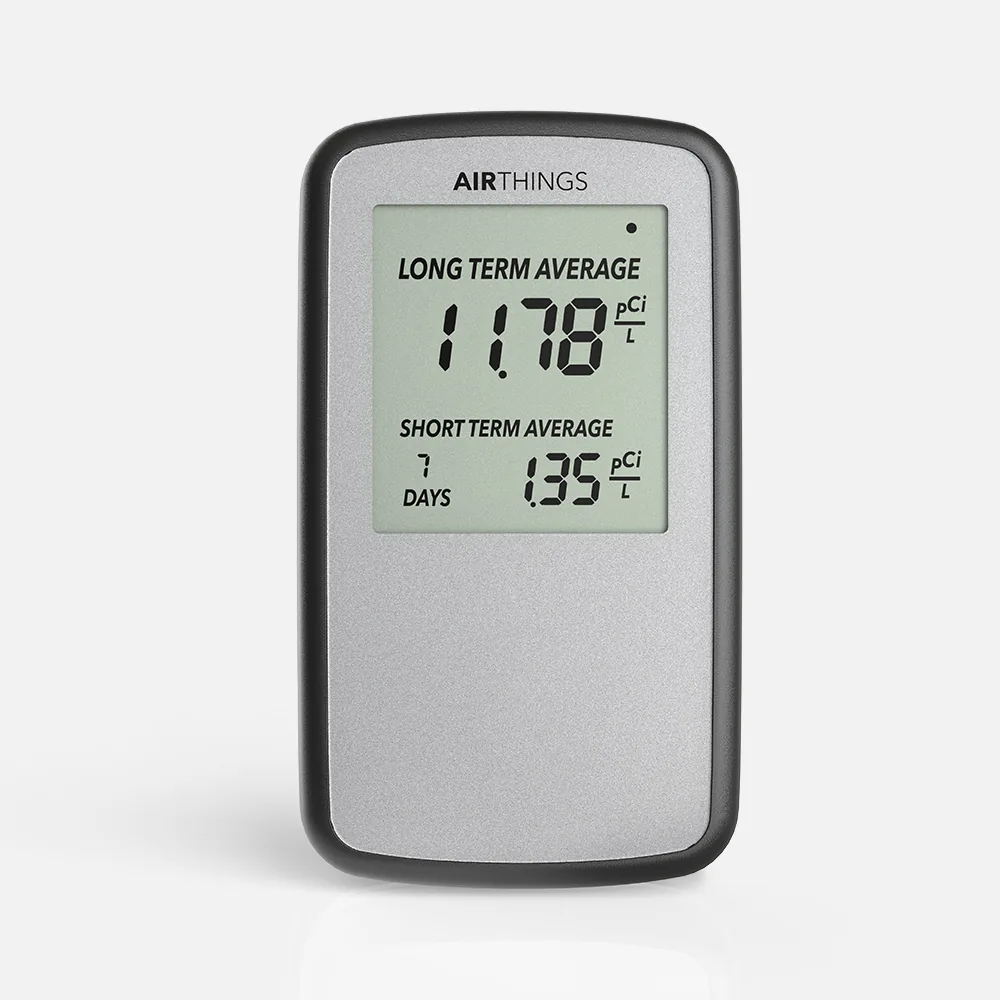
Corentium Home battery digital radon detector
- C-NRPP 2024/25: Approved
- Battery
- Screen
Method: Alpha spectrometry
ProductsCompare
Short answer
Every Airthings radon monitor uses the same passive diffusion, alpha spectrometry sensor; they differ in how you read them, how they are powered and what else they measure. C-NRPP's 2024/25 evaluation approved the Corentium Home and a device listed as the Airthings View, while the Corentium Home 2 and both Wave models were not included.
Airthings sells several quite different radon monitors under one sensor design. This page puts every Airthings radon monitor we cover side by side, in Airthings' own figures, with the independent results each one has. It picks none: which one fits depends on where you want to read the number, what else you want measured, and whether you want Wi-Fi.
| Monitor | How you read it | Power | Connection | Also measures | C-NRPP 2024/25 |
|---|---|---|---|---|---|
| Corentium Home | LCD screen with short-term and long-term averages | 3 AAA batteries | None | Radon only | Approved: A, A, A, A |
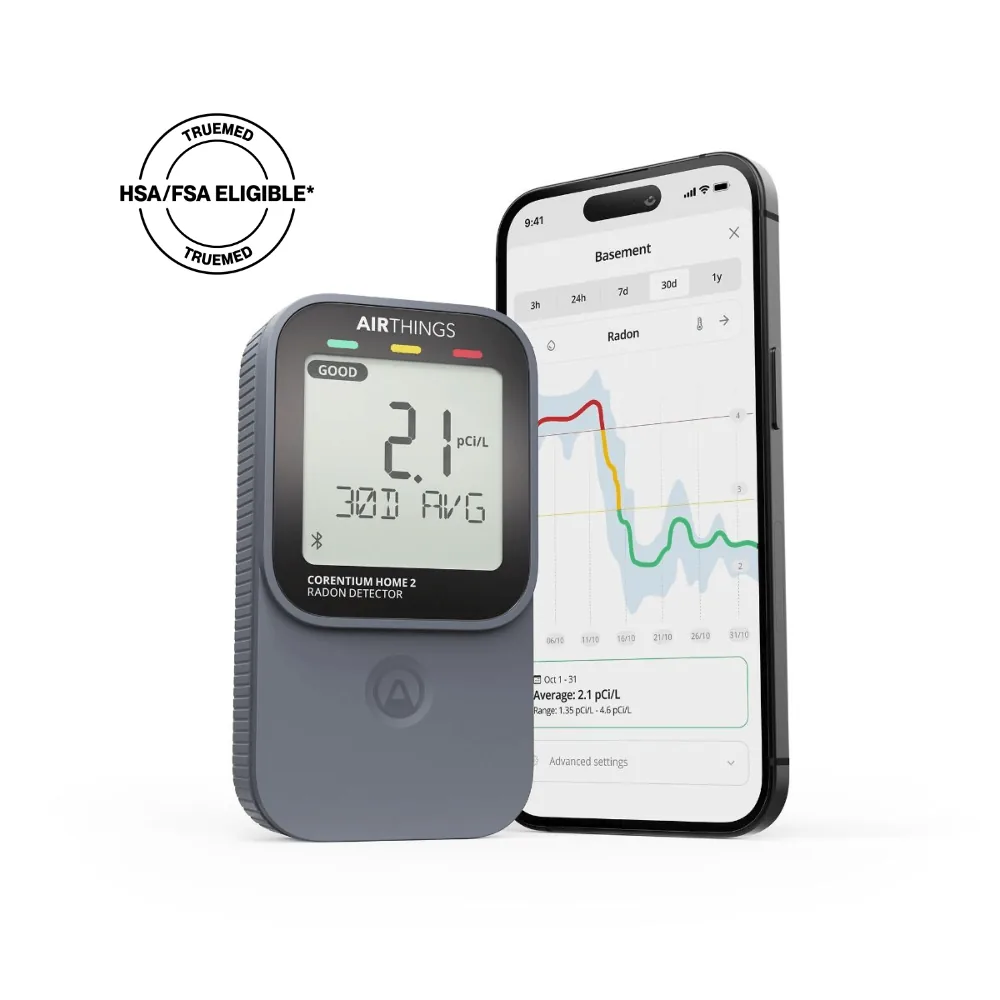
| Corentium Home 2 | LCD screen with radon averages | 2 AA batteries | Bluetooth; SmartLink to a hub | Temperature, humidity | Not included |
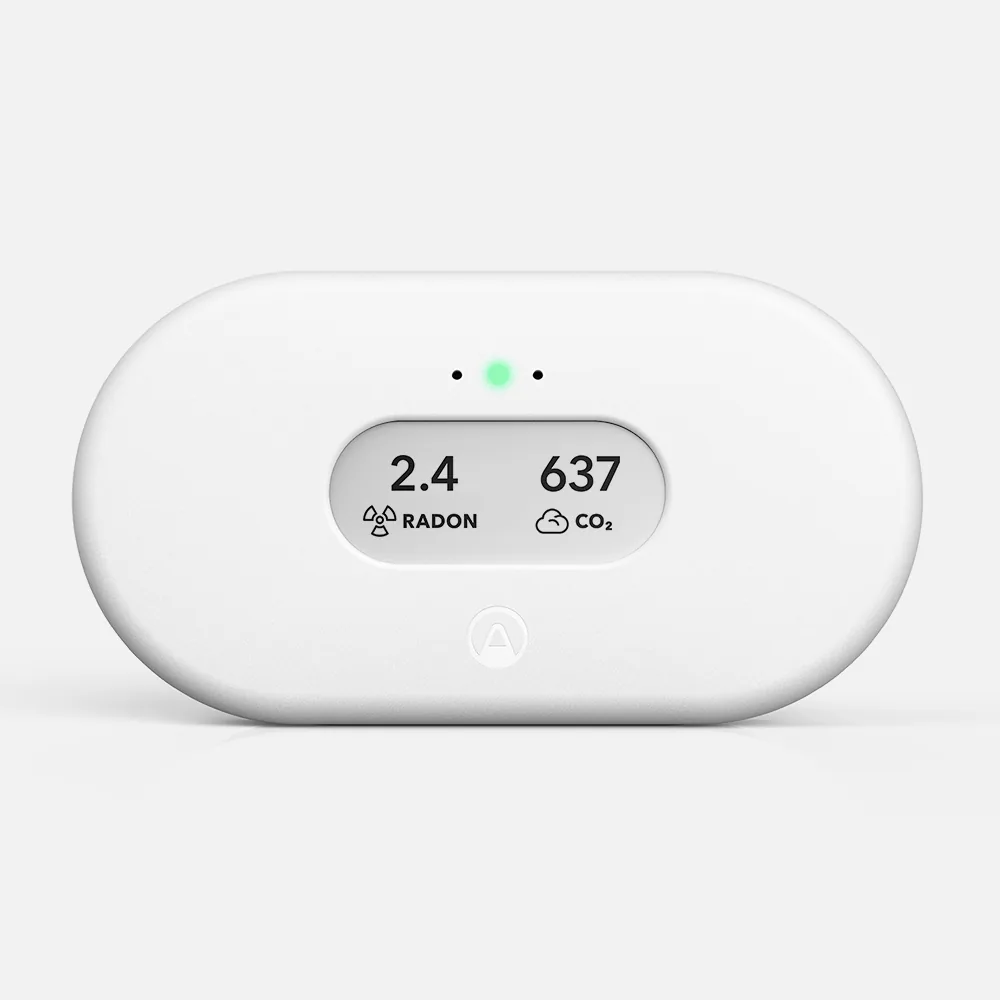
| View Plus | 2.9-inch e-paper display and a glow indicator | 6 AA batteries or USB-C | Wi-Fi, SmartLink, Bluetooth | PM2.5, CO2, VOCs, temperature, humidity, air pressure | Listed as "Airthings View", model not stated |
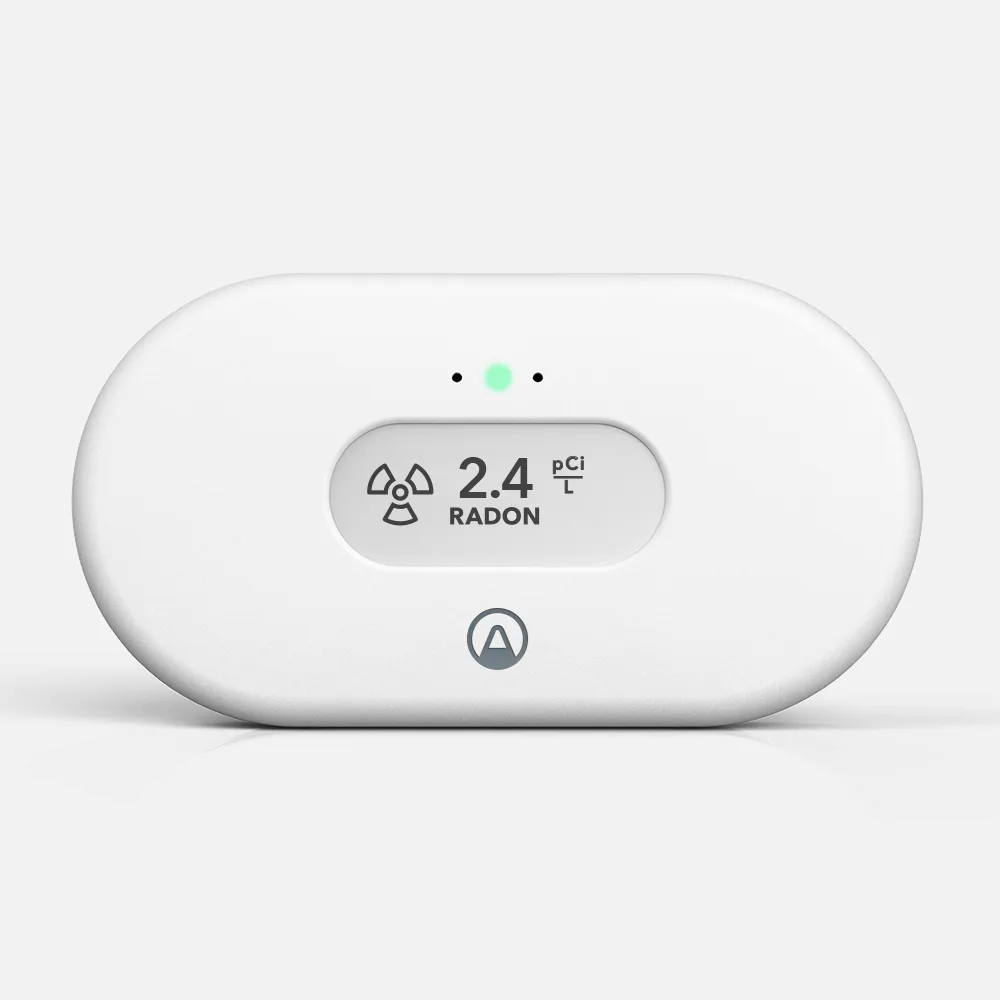
| View Radon | 2.9-inch e-paper display and a glow indicator | 6 AA batteries or USB cable | Wi-Fi, SmartLink, Bluetooth | Temperature, humidity | Approved as "Airthings View": B, C, B, B |
| Wave Plus | Color glow ring; numbers in the app | 2 AA batteries | Bluetooth or SmartLink | CO2, VOCs, temperature, humidity, air pressure | Not included |
| Wave Radon | Color glow when you wave a hand; numbers in the app | 2 AA batteries | Bluetooth | Temperature, humidity | Not included |
Monitor
Method: Alpha spectrometry
Monitor
Method: Alpha spectrometry
Readings: Every 60 minutes
Monitor
Method: Alpha spectrometry
Monitor
Method: Alpha spectrometry
Readings: Every 60 minutes
Monitor
Method: Alpha spectrometry
Monitor
Method: Alpha spectrometry
The monitors in this section: 1 of 6
As an Amazon Associate, Radon411 earns from qualifying purchases.
Airthings describes the radon sampling in every one of these monitors as a passive diffusion chamber, and the detection method as alpha spectrometry. Air drifts into the chamber on its own, with no fan or pump, and the sensor counts the alpha particles given off as radon decays. On the View and Wave pages Airthings states the same radon range, 0 to 500
So the choice between them is rarely about the radon measurement itself. It is about the screen, the extra measurements, the power and the connection. A 2024 field study that ran the View Plus, View Radon and Wave Plus beside a reference instrument found that all three followed a sudden rise in radon more slowly than some other monitors, which matters if you watch hour-by-hour changes and matters little for a long-term average.
| Monitor | Radon range | Maker's accuracy figure |
|---|---|---|
| Corentium Home | 0 to 500 pCi/L | About 10% after 7 days; about 5% after 2 months, at 5.4 pCi/L |
| Corentium Home 2 | 0 to 250 pCi/L | Within 10% after 7 days at 5.4 pCi/L, and after 4 days at 10 pCi/L |
| View Plus | 0 to 500 pCi/L | About 10% after 7 days; about 5% after 2 months |
| View Radon | 0 to 500 pCi/L | About 10% after 7 days; about 5% after 2 months |
| Wave Plus | 0 to 500 pCi/L | About 10% after 7 days; about 5% after 2 months |
| Wave Radon | 0 to 500 pCi/L | Under 10% at 5 pCi/L after 7 days; under 5% after 2 months |
Each family shows its reading differently, and that is the most practical difference between them. The Corentium Home 2 has an LCD screen built around averages: after 30 days it offers 24-hour, 7-day, 30-day and long-term radon averages, plus temperature and humidity, and it returns to the long-term average after 5 minutes. A touch button below the screen steps through the views.
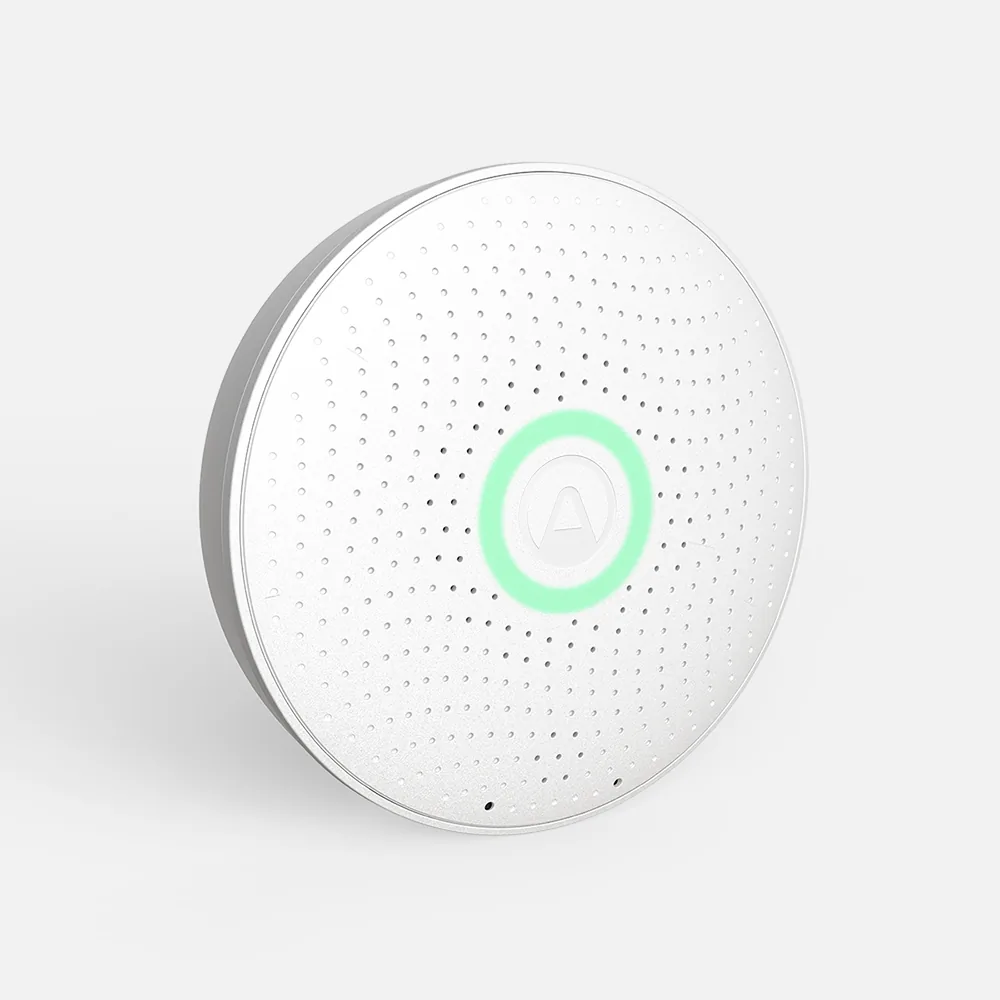
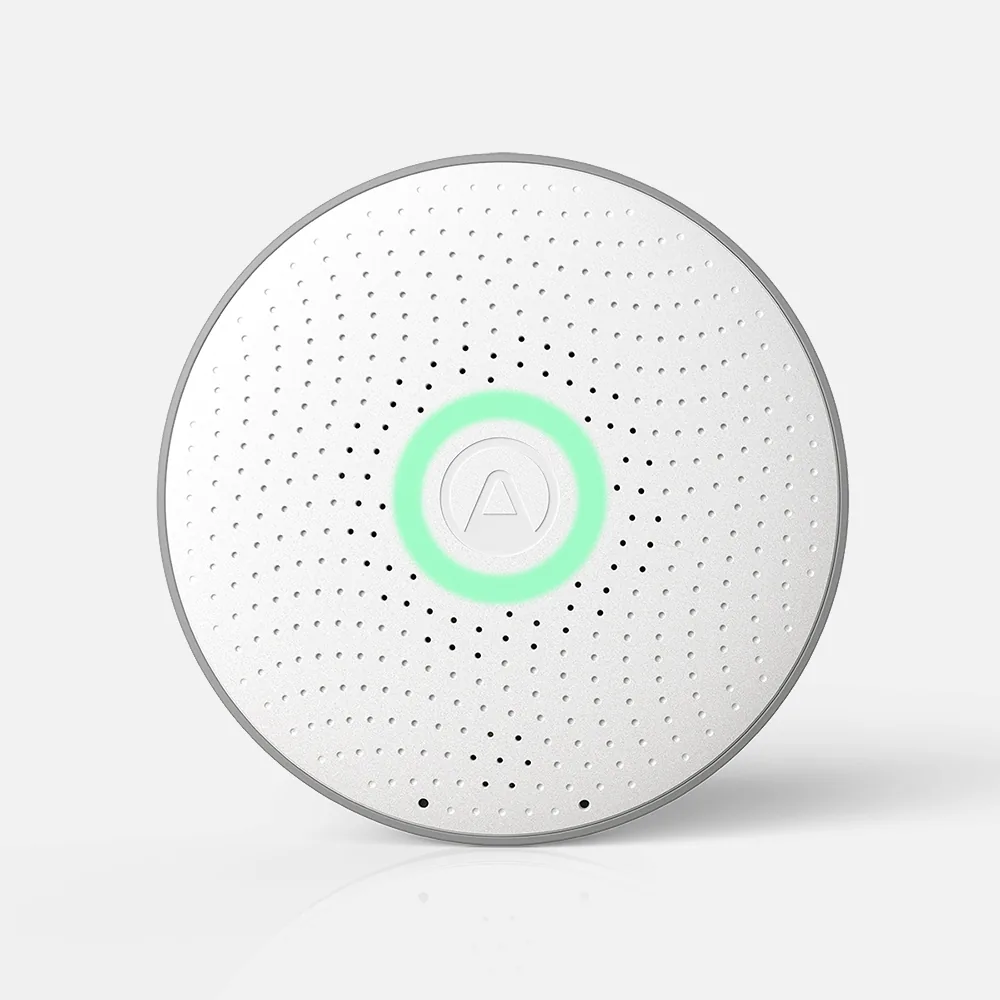
The View Radon and View Plus have a 2.9-inch e-paper display that you can set to show the readings you check most, plus a red, yellow or green glow. The Wave Radon and Wave Plus have no screen at all: a motion sensor lights a green, yellow or red glow when you wave a hand over the Wave Radon, and the Wave Plus has a glow ring; the numbers, graphs and alerts are in the Airthings app. Airthings' color thresholds for radon are the same across both families: green below 2.7 pCi/L, yellow from 2.7 to under 4 pCi/L, and red at 4 pCi/L and above.
| Monitor | On the device | In the app |
|---|---|---|
| Corentium Home | LCD numbers: short-term and long-term averages | None; no app or wireless connection |
| Corentium Home 2 | LCD numbers: 24-hour, 7-day, 30-day and long-term averages | Interactive graphs over Bluetooth |
| View Plus | E-paper display you set, and a glow indicator | Readings and history; access from anywhere over Wi-Fi |
| View Radon | E-paper display you set, and a glow indicator | Real-time data from anywhere over Wi-Fi |
| Wave Plus | Glow ring only | Readings over Bluetooth; web dashboard |
| Wave Radon | Glow when you wave a hand over it | Live readings and trend graphs over Bluetooth; in-app and email notifications |
The Corentium Home 2 and both Wave monitors run on two AA batteries and connect over Bluetooth, so you see the app's history when your phone is nearby. Airthings rates the Corentium Home 2 for up to 3 years unconnected and up to 2 years with Bluetooth, the Wave Plus for 16 months on Bluetooth and 18 months with SmartLink, and the Wave Radon for about a year and a half.
The View Radon and View Plus take six AA batteries or a cable, and connect over 2.4 GHz Wi-Fi as well as Bluetooth, so you can see your readings from anywhere. When one is on Wi-Fi and plugged in by its cable, it can act as an internet hub for your other Airthings monitors through SmartLink, bringing always-on access to a Wave or a Corentium Home 2 in another room.
| Monitor | Batteries, as stated | Cable | Wireless |
|---|---|---|---|
| Corentium Home | 3 AAA: about 2 years | None | None |
| Corentium Home 2 | 2 AA: up to 3 years unconnected, up to 2 years on Bluetooth | None | Bluetooth; SmartLink to a hub for Wi-Fi access |
| View Plus | 6 AA: up to 2 years, depending on settings and router | USB-C, optional | Wi-Fi (2.4 GHz), SmartLink, Bluetooth; hub when on Wi-Fi and cable |
| View Radon | 6 AA: up to 2 years on batteries | USB, optional | Wi-Fi (2.4 GHz), SmartLink, Bluetooth; hub when on Wi-Fi and cable |
| Wave Plus | 2 AA: 16 months on Bluetooth, 18 months on SmartLink | None | Bluetooth or SmartLink |
| Wave Radon | 2 AA: about 1.5 years | None | Bluetooth; remote access through a View monitor as hub |
C-NRPP's 2024/25 consumer monitor evaluation approved a device it lists as the Airthings View, linking Airthings' View Radon page, with grades of B, C, B and B across its four rounds; C-NRPP recommends devices that average B or better. The listing does not say which View model was tested, and C-NRPP's 2023 report listed the View Plus and the Wave Plus as passing. The Corentium Home 2, the Wave Radon and the Wave Plus were not included in the 2024/25 evaluation. Not being included is a fact about which devices took part, not a failed test.
The original Corentium Home, which Airthings' US store still sells, was approved in the 2024/25 evaluation with an A in all four rounds. In a 2024 field study at a natural radiation laboratory in Salamanca, Spain, the averages of one View Plus, one View Radon and one Wave Plus differed from a reference instrument by 7.7%, 10.0% and 11.0% over the summer of 2023. One unit of each in one place is a result for that unit, not a ranking.
| Monitor | C-NRPP 2024/25 | 2024 field study, difference from reference |
|---|---|---|
| Corentium Home | Approved: A, A, A, A | Not in the study |
| Corentium Home 2 | Not included | Not in the study |
| View Plus | "Airthings View" listing; model not stated (passed in 2023) | 7.7% |
| View Radon | Approved as "Airthings View": B, C, B, B | 10.0% |
| Wave Plus | Not included (passed in 2023) | 11.0% |
| Wave Radon | Not included | Not in the study |
Every grade is explained, monitor by monitor, on accuracy results explained.
None comes out ahead. Each row below matches a situation to the monitors whose stated features fit it.
| If you want | Monitors that fit |
|---|---|
| Numbers on the device with no phone at all | Corentium Home; Corentium Home 2; View Radon; View Plus |
| Readings from away from home without extra hardware | View Radon; View Plus |
| Radon only, with nothing to pair or connect | Corentium Home |
| Radon, plus temperature and humidity | Corentium Home 2; View Radon; Wave Radon |
| Carbon dioxide, VOCs and pressure as well as radon | View Plus (adds PM2.5); Wave Plus |
| Two AA batteries and nothing to plug in | Corentium Home 2; Wave Radon; Wave Plus |
| A model tied to a 2024/25 C-NRPP approval | Corentium Home; View Radon (the Airthings View listing links its page) |
Three pairs are compared in more depth: View Plus vs Wave Plus, Corentium Home vs Corentium Home 2 and View Plus vs Corentium Home. The Corentium Home is also set beside other makers' monitors, on Corentium Home vs RadonEye RD200 and Aranet Radon Plus vs Corentium Home. Monitors from every maker are on radon detectors and monitors.
Step 1 of 5:
Pick the floor
The lowest lived-in level of the home; Airthings markets these monitors for basements and ground floors, where radon is usually highest.
Step 2 of 5:
Pick a room people use
A room used regularly, such as a living room, playroom, den or bedroom, not a kitchen or bathroom, and occupied at least 4 hours a day.
Step 3 of 5:
Set the height
At least 20 inches above the floor, away from drafts, high heat, high humidity and exterior walls.
Step 4 of 5:
Mind the humidity
Airthings warns against placing these monitors where humidity is over 85%, which can damage the radon sensor, so a damp corner is worth checking first.
Step 5 of 5:
Give it time
At least 3 months, preferably in the heating season, and decide on the long-term average.
More on placement is at where to place a radon test, and on reading any monitor at continuous radon monitors.
It depends on the model. The Corentium Home 2 shows radon averages on its screen; the View Radon and View Plus show readings on an e-paper display; the Wave Radon and Wave Plus glow green, yellow or red and keep the numbers in the Airthings app. On all of them, the long-term average is the figure to act on.
Airthings sets radon at green below 2.7 pCi/L, yellow from 2.7 to under 4 pCi/L, and red at 4 pCi/L and above. The EPA's guidance is to fix a home at 4 pCi/L and to consider fixing between 2 and 4 pCi/L.
In 2024/25, C-NRPP approved the Corentium Home with four A grades, and a device it lists as the Airthings View, linking the View Radon page, graded B, C, B and B. The Corentium Home 2 and both Wave models were not included.
Airthings says the Wave Radon is no longer available on airthings.com but can be found on Amazon and in selected retailers, and suggests the View Radon instead.
None strictly needs it, and the Corentium Home has no wireless connection at all. The View Radon and View Plus connect to 2.4 GHz Wi-Fi so you can check them from anywhere; the Corentium Home 2 and Wave monitors use Bluetooth and can reach Wi-Fi only through SmartLink to a hub such as a View monitor.
All of them can. The Corentium Home takes three AAA batteries; the Corentium Home 2 and both Wave models take two AA batteries; the View models take six AA batteries or run on a cable.
No. Airthings describes a passive diffusion chamber with alpha spectrometry for every one. The differences are in the screen, the extra measurements, the power and the connection.
Other air quality sensors: the Wave Plus adds carbon dioxide, VOCs and air pressure, and the View Plus adds those and particulate matter (PM2.5). The radon measurement is the same.
Consumer monitors cannot be professionally calibrated and are not approved by C-NRPP for use by radon measurement professionals. Check what the contract and your state accept.
At least 3 months, preferably in the heating season, and decide on the long-term average rather than a short-term figure.