
MonitorAEGTEST
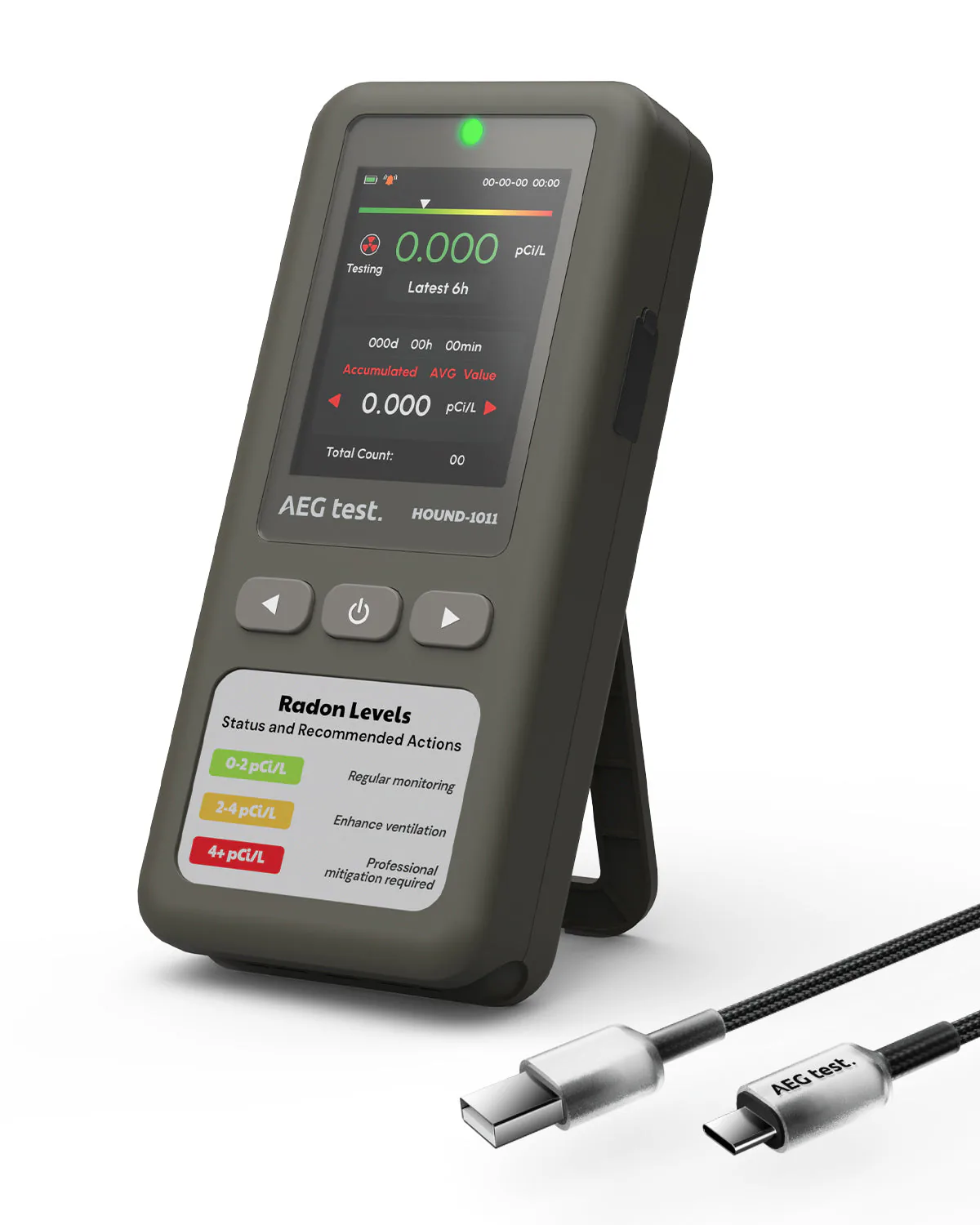
HOUND-1011 rechargeable radon detector with a screen
- C-NRPP 2024/25: Not included
- Battery
- Alarm
- Screen
Method: Semiconductor sensor
First reading: Within 6 hours
 Airthings
Battery digital radon monitor
Best for you if
Skip it if
Photos: Airthings
 (opens in a new tab)Check price on Amazon (opens in a new tab)
As an Amazon Associate, Radon411 earns from qualifying purchases.
Amazon and the Amazon logo are trademarks of Amazon.com, Inc. or its affiliates.
See ratings and reviews on Amazon (opens in a new tab)As Airthings states it
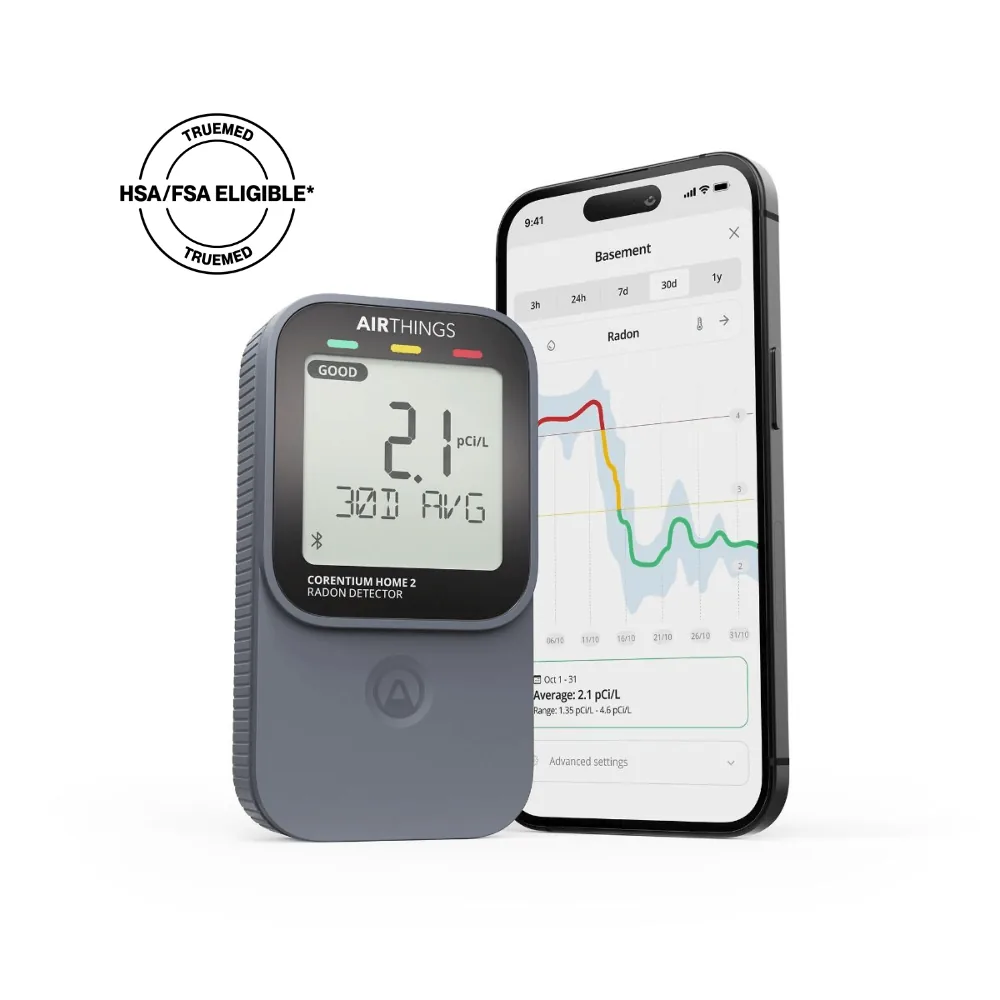
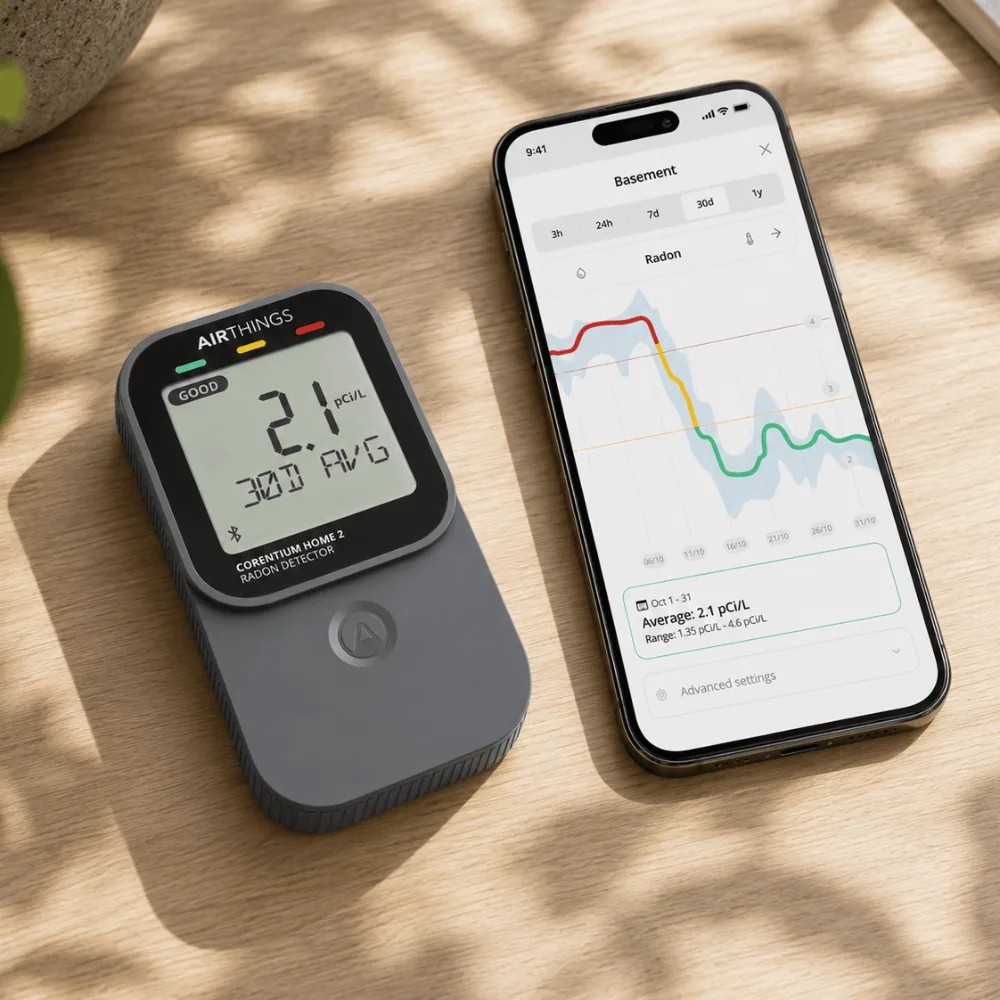
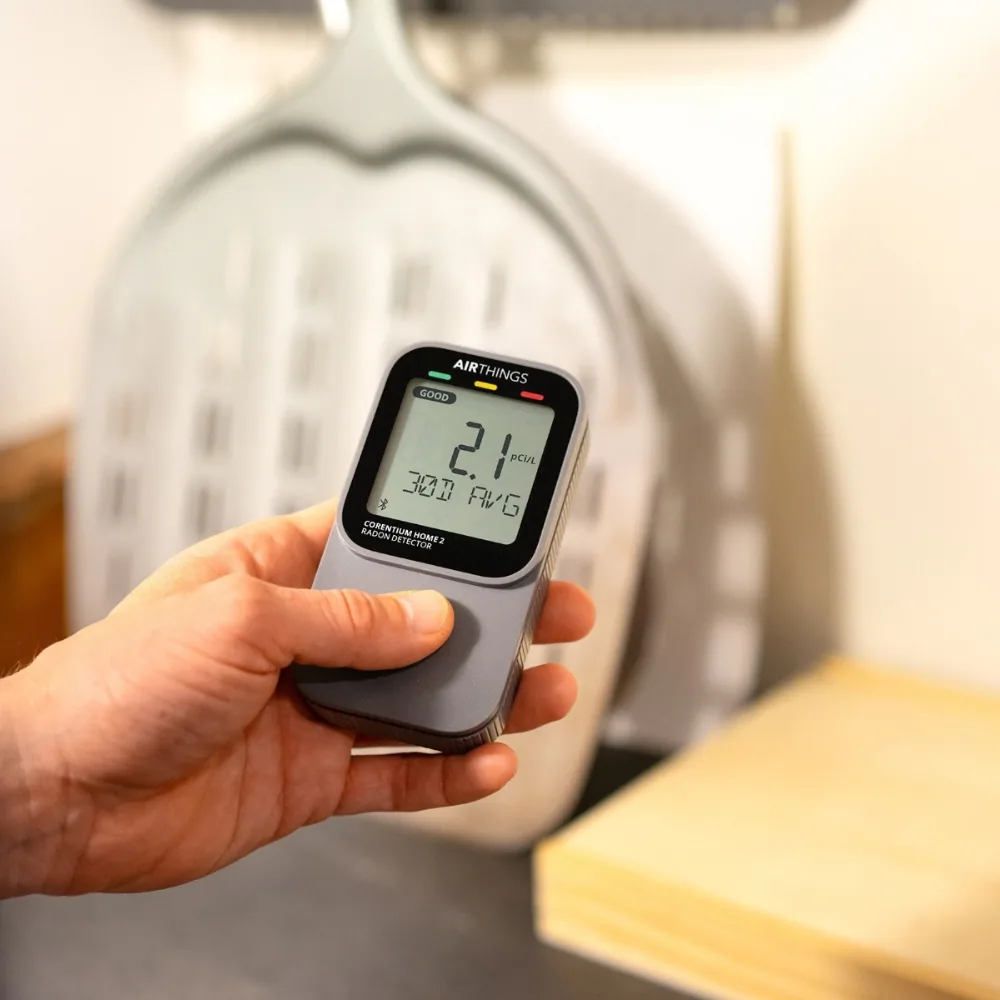
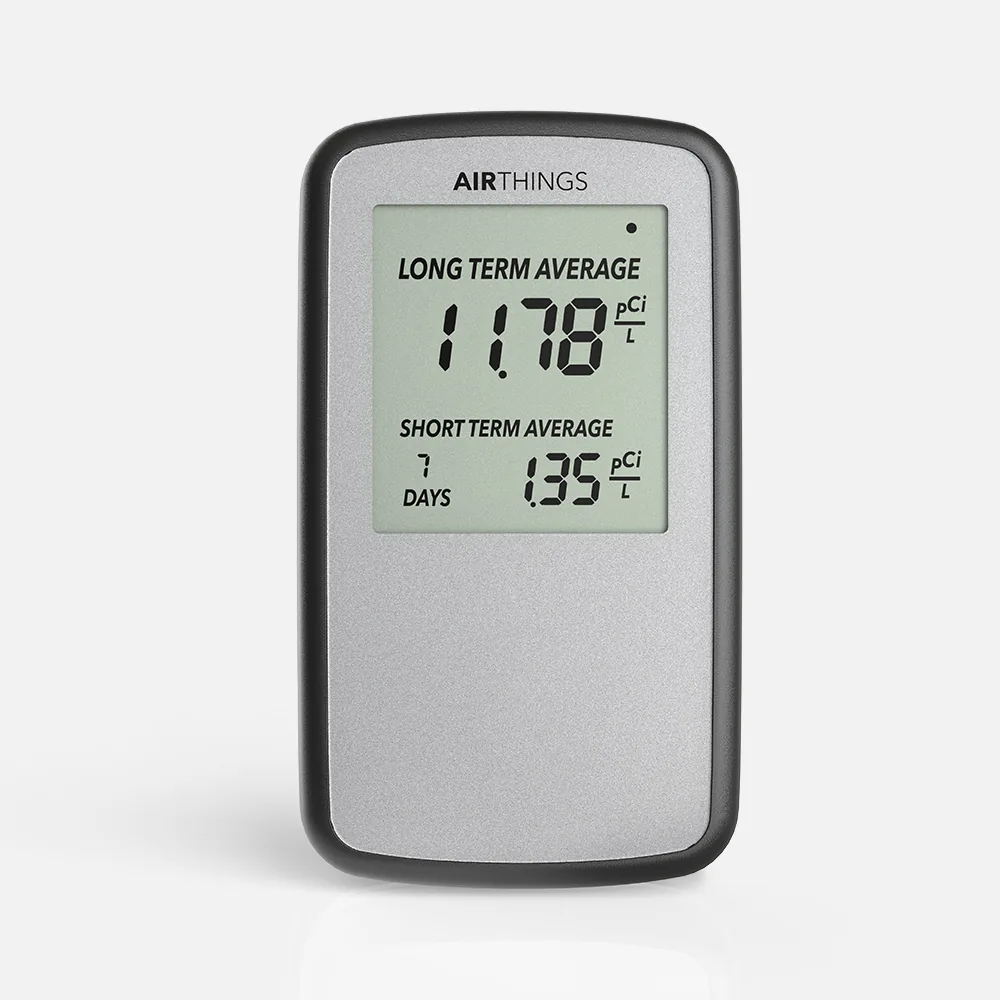
The Corentium Home 2 is Airthings' battery-powered radon detector: two AA batteries, an alpha spectrometry sensor, an LCD screen with 24-hour to long-term averages, and Bluetooth to the Airthings app, plus temperature and humidity. It was not included in C-NRPP's 2024/25 evaluation, which tested the original Corentium Home.
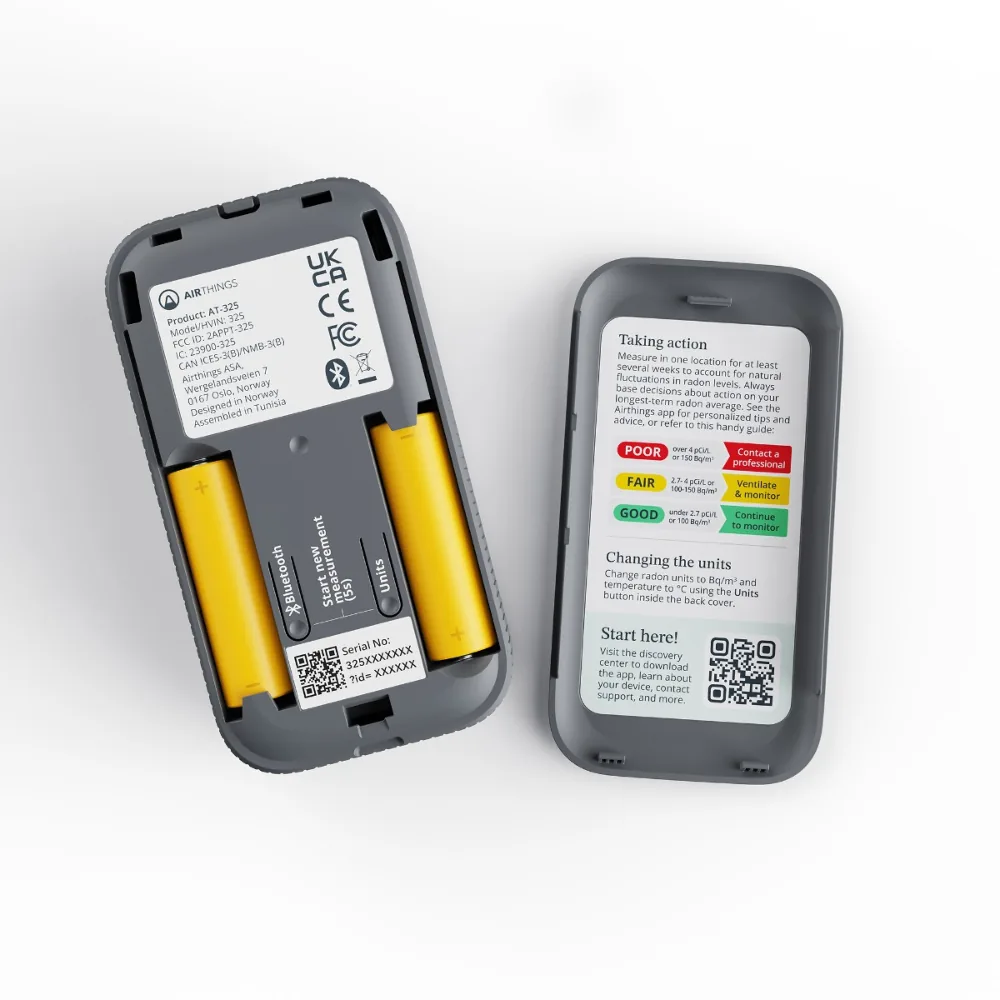
The box holds the digital radon detector, two AA alkaline batteries already installed, a quick start guide, a regulatory information booklet and a silica bag. The detector weighs 5.08 oz (144 g) with batteries and measures 2.40 by 1.14 by 4.45 inches.
In the box and running costsHow it works
The sensor, the sampling and the readings, then who has checked it
In our words, from the maker's documents
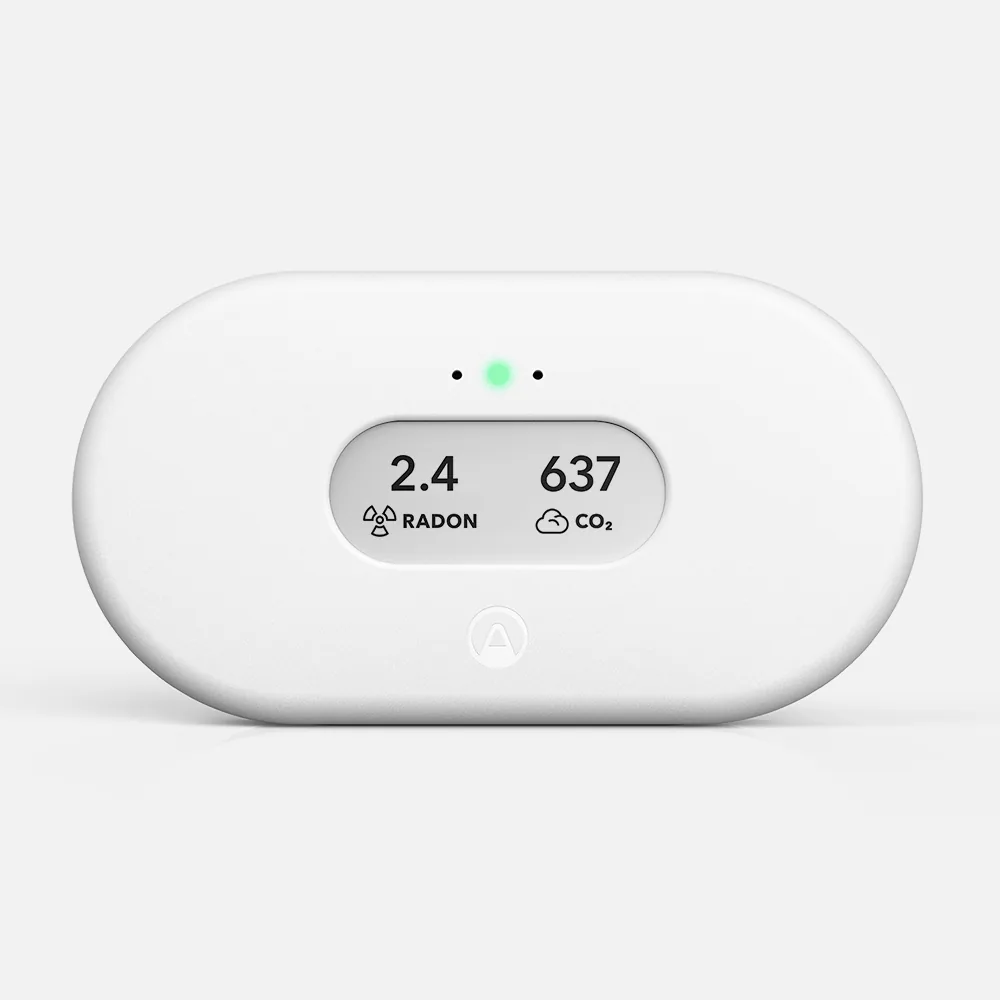
Airthings describes the radon sampling as a passive diffusion chamber and the detection method as alpha spectrometry. Air drifts into the chamber without a fan or pump, and the sensor samples radon every 60 minutes. The 2024 comparison in Sensors lists the same principle for an Airthings monitor it tested, the View Plus: a photodiode with alpha spectrometry.
Airthings publishes a measurement range of 0 to 250 pCi/L, or 0 to 9,999 Bq/m³. The device is set to pCi/L for radon and °F for temperature by default, and a Units button inside the back cover switches it to Bq/m³ and °C. Temperature and humidity are sampled every 5 minutes.
The screen is built around averages rather than a live number. After 30 days it offers six views: 24-hour, 7-day, 30-day and long-term radon averages, with the long-term average covering up to a year, plus temperature and humidity. A touch button below the screen steps through them, and after 5 minutes of inactivity the screen returns to the long-term radon average.
The Corentium Home 2 works on its own with no wireless connection at all. Bluetooth links it to the free Airthings app for graphs and guidance, and Airthings SmartLink can connect it to an Airthings hub device, such as a View series monitor or the Airthings Hub, for remote access and alerts. Airthings notes that some features are available only when it is connected.
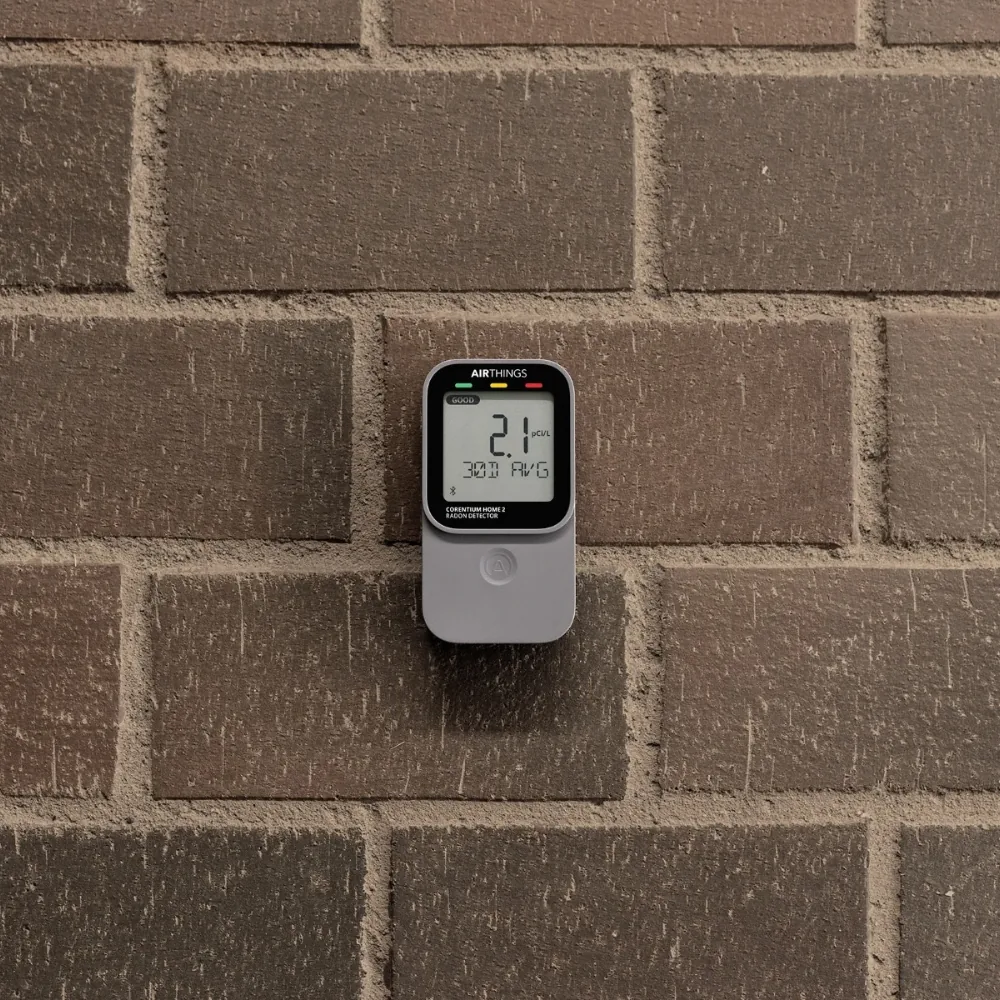
Both the device and the app show a GOOD, FAIR or POOR indicator, and the app adds interactive graphs and what Airthings calls personalized advice on whether action is needed. The screen itself is a liquid crystal display about 1.73 inches square. Airthings markets the Corentium Home 2 for basements and ground floors, where its humidity sensor also flags damp conditions.
Airthings's own statements, attributed
These are Airthings's own statements, attributed to it. They are not our findings, and we have not tested this product ourselves.
C-NRPP 2024/25, recalls and studies
The Canadian National Radon Proficiency Program's 2024/25 comparison of consumer monitors did not include Airthings Corentium Home 2. That is a fact about which devices took part, not a finding about this one: no result from that program exists for it either way.
C-NRPP is the Canadian National Radon Proficiency Program. Its 2024/25 results were published in May 2025.
Airthings Corentium Home 2
Check price on Amazon (opens in a new tab)Specifications
Every figure as the maker states it
The box holds the digital radon detector, two AA alkaline batteries already installed, a quick start guide, a regulatory information booklet and a silica bag. The detector weighs 5.08 oz (144 g) with batteries and measures 2.40 by 1.14 by 4.45 inches.
There is no lab fee and the Airthings app is free. The ongoing cost is two AA batteries, which Airthings estimates last up to 3 years unconnected and up to 2 years with Bluetooth, and notes that firmware updates may slightly change battery life. Airthings offers a free 5-year warranty if you register the device on its website within 30 days of purchase.
Fit and setup
The fit, then setup and placement as the guidance asks
Good fit if, and look elsewhere if
Good fit if
Look elsewhere if
3 steps
How C-NRPP says to use any consumer monitor
For where any radon test or monitor should sit in a home, see where to place a radon test.
Compare
The same three rows for each, and the one difference that matters
This page
Airthings Corentium Home 2
This page: The Corentium Home 2 is Airthings' battery-powered radon detector: two AA batteries, an alpha spectrometry sensor, an LCD screen with 24-hour to long-term averages, and Bluetooth to the Airthings app, plus temperature and humidity.
Ecosense
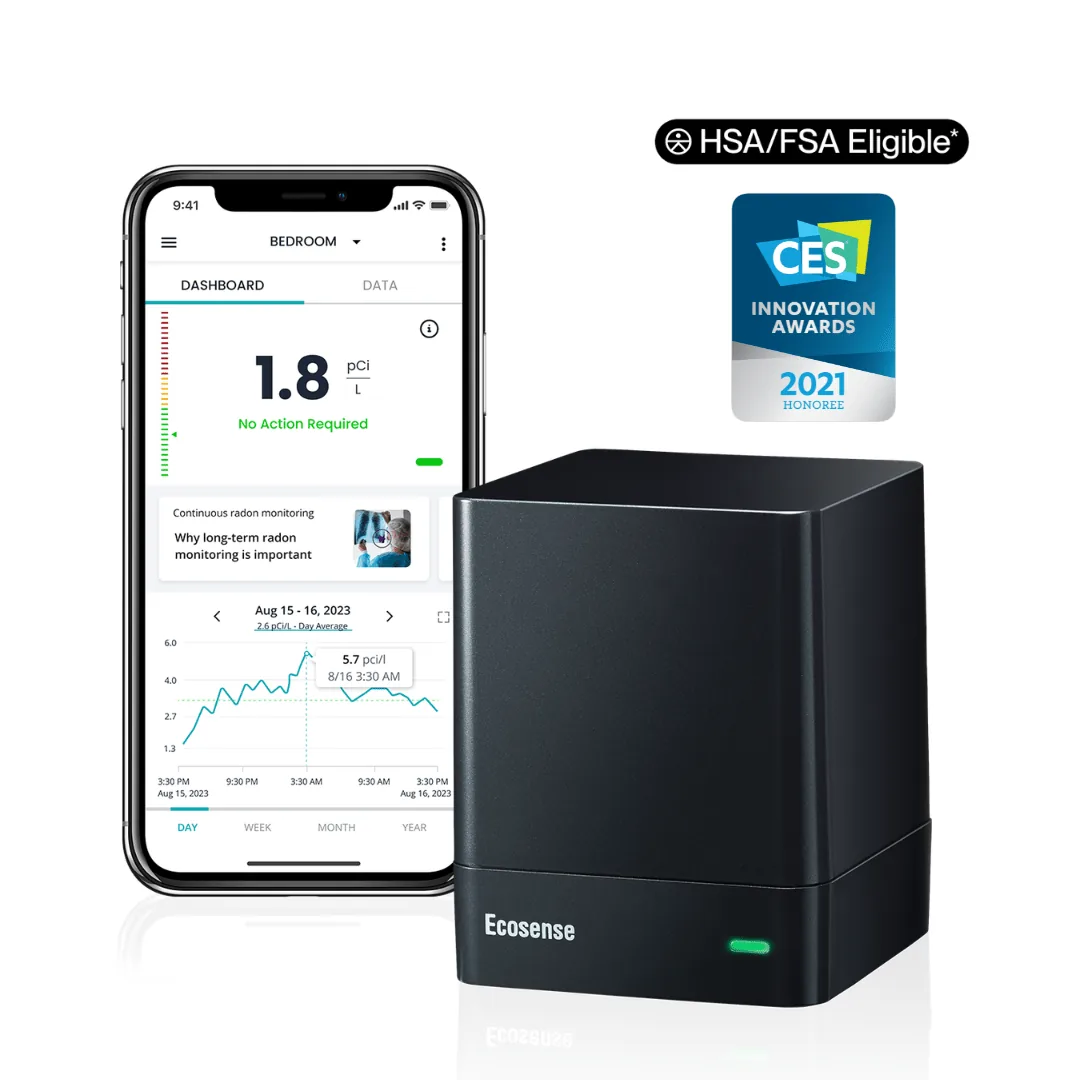
The difference: Plugs into the wall and connects over Wi-Fi, with a colored light rather than a number display; approved in C-NRPP's 2024/25 evaluation.
Ecosense
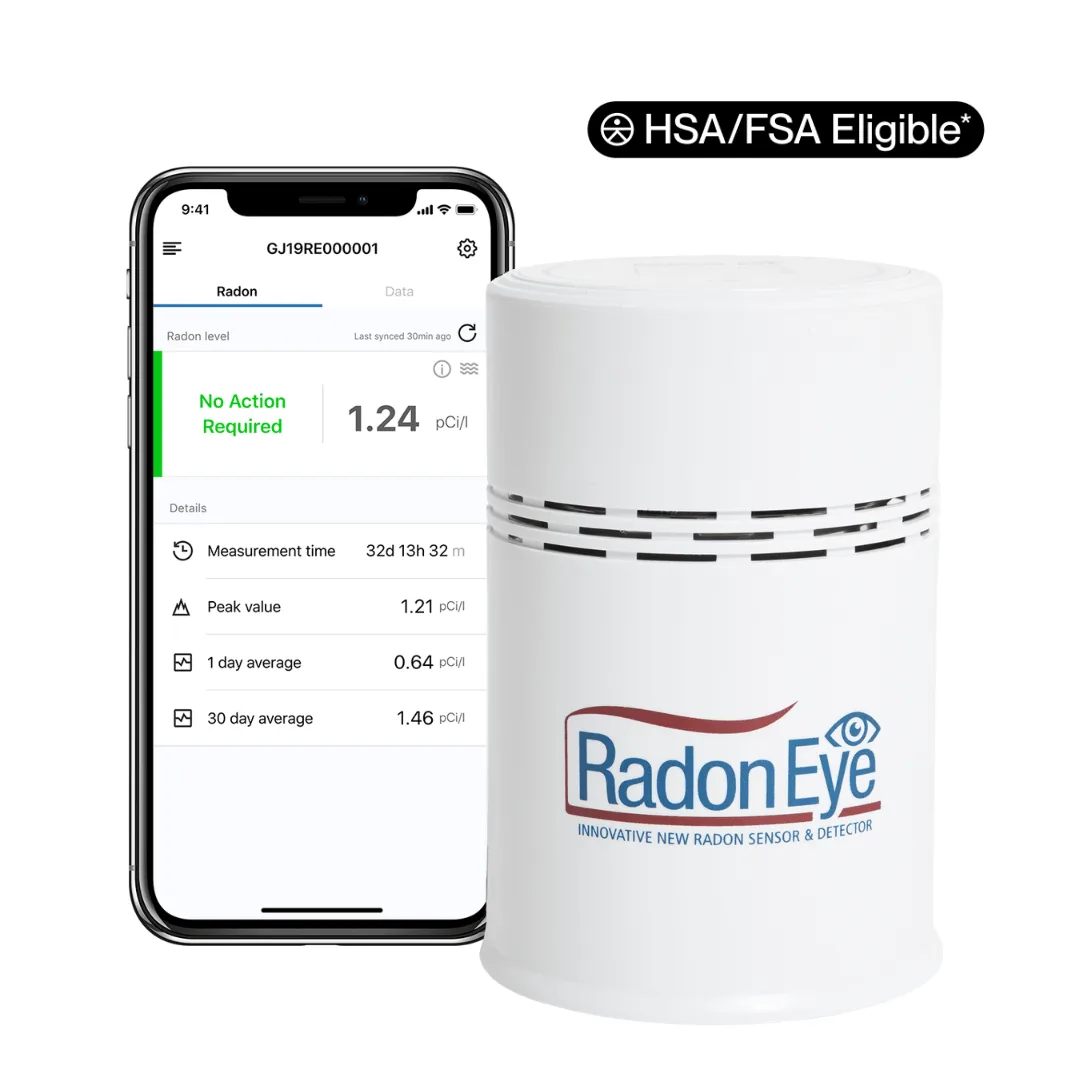
The difference: Plugs into the wall and counts with a pulsed ionization chamber, updating every 10 minutes; approved in C-NRPP's 2024/25 evaluation with four A grades.
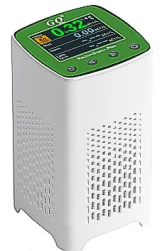
GQ Electronics
The difference: Also shows radon averages on its own screen, from 1 hour to long-term, but runs on USB power rather than batteries, adds a buzzer, and sends readings over Wi-Fi to GQ's GMCmap website.
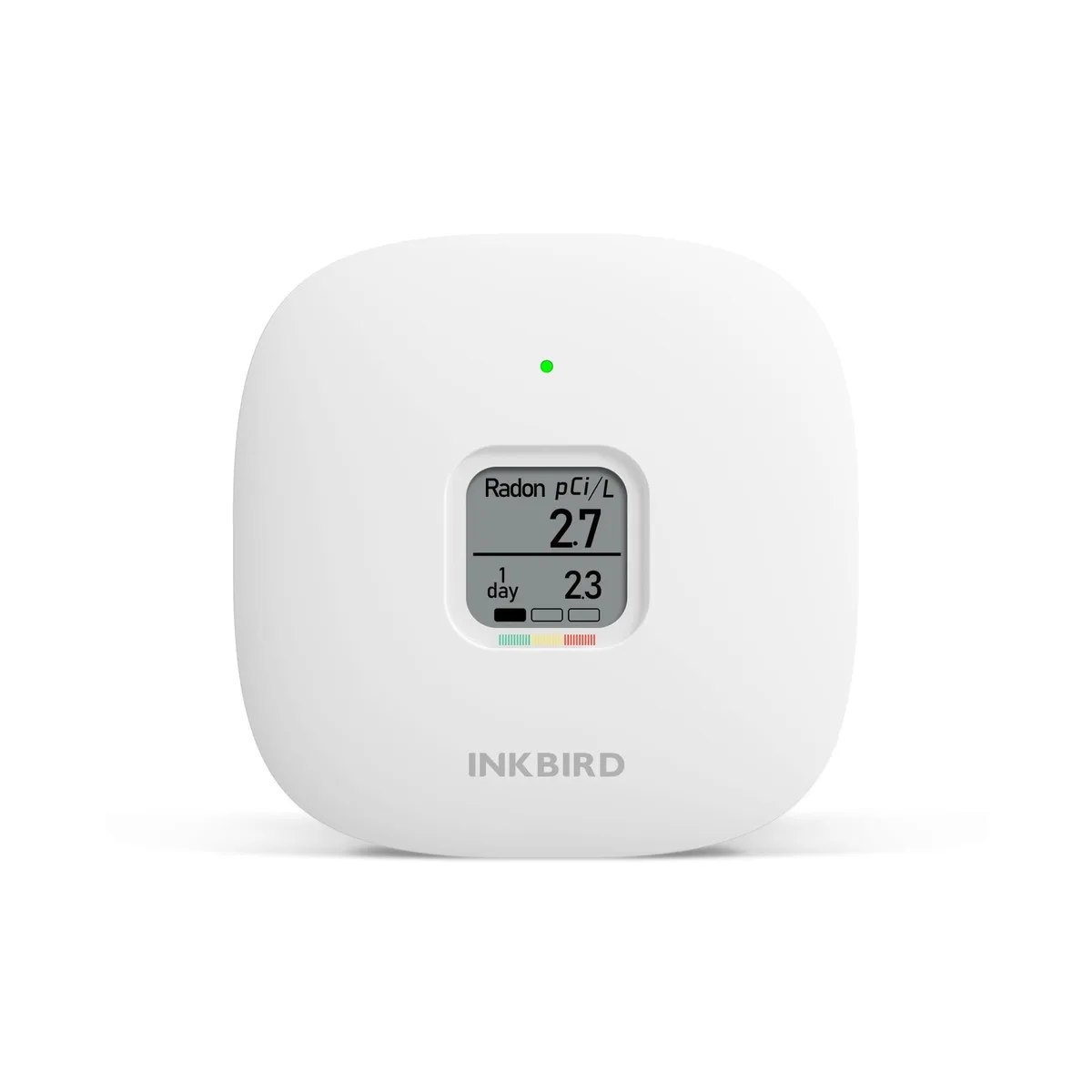
INKBIRD
The difference: INKBIRD's battery monitor: a passive diffusion chamber with an alpha spectrometer sensor on three AAA batteries, a 1-day and a long-term average on a 1.54-inch e-ink screen, and a three-colour light and bar scale, with no app, Bluetooth or Wi-Fi.
Compared with similar products: 1 of 5
MonitorAEGTEST
Method: Semiconductor sensor
First reading: Within 6 hours
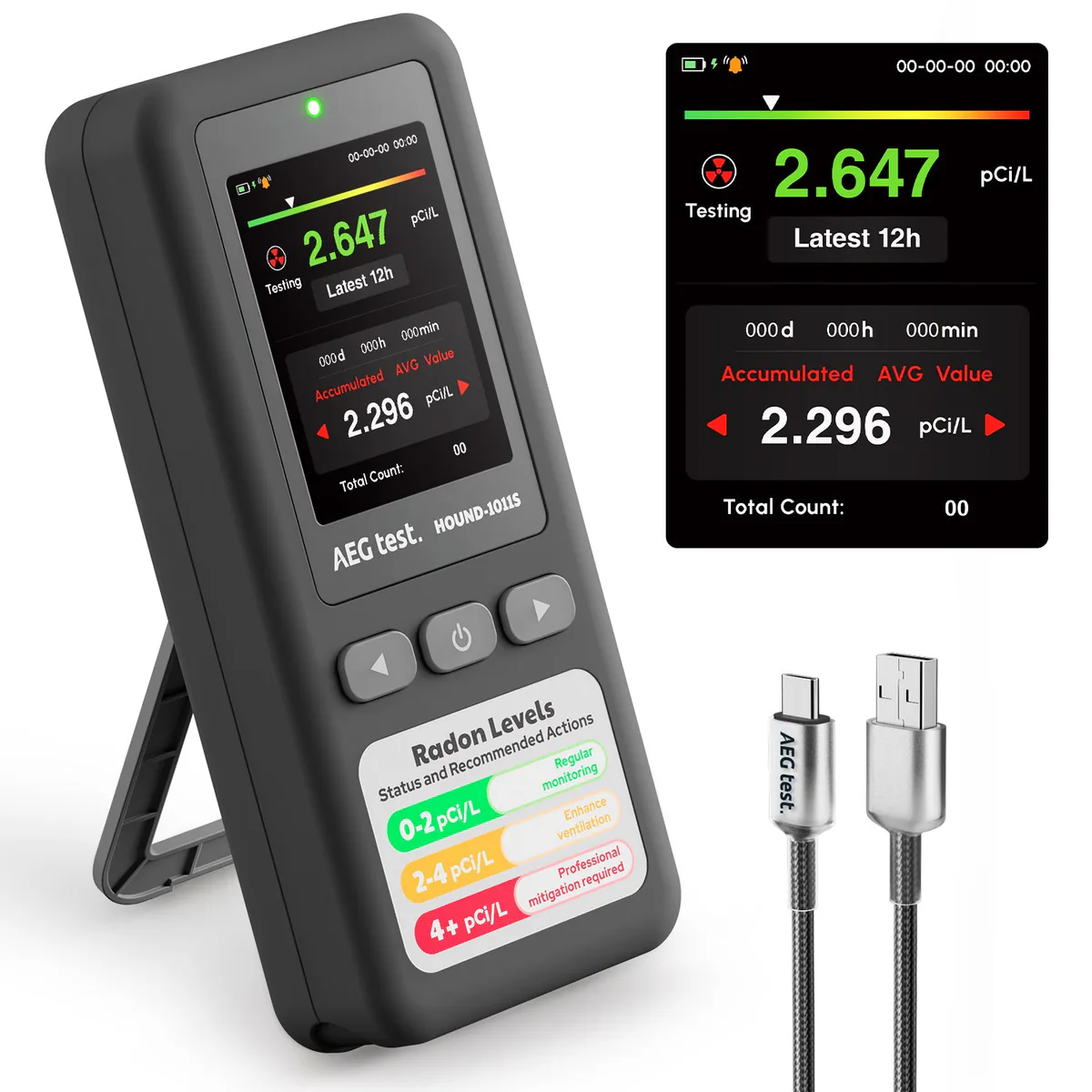
MonitorAEGTEST
Method: Semiconductor sensor
First reading: Within 12 hours
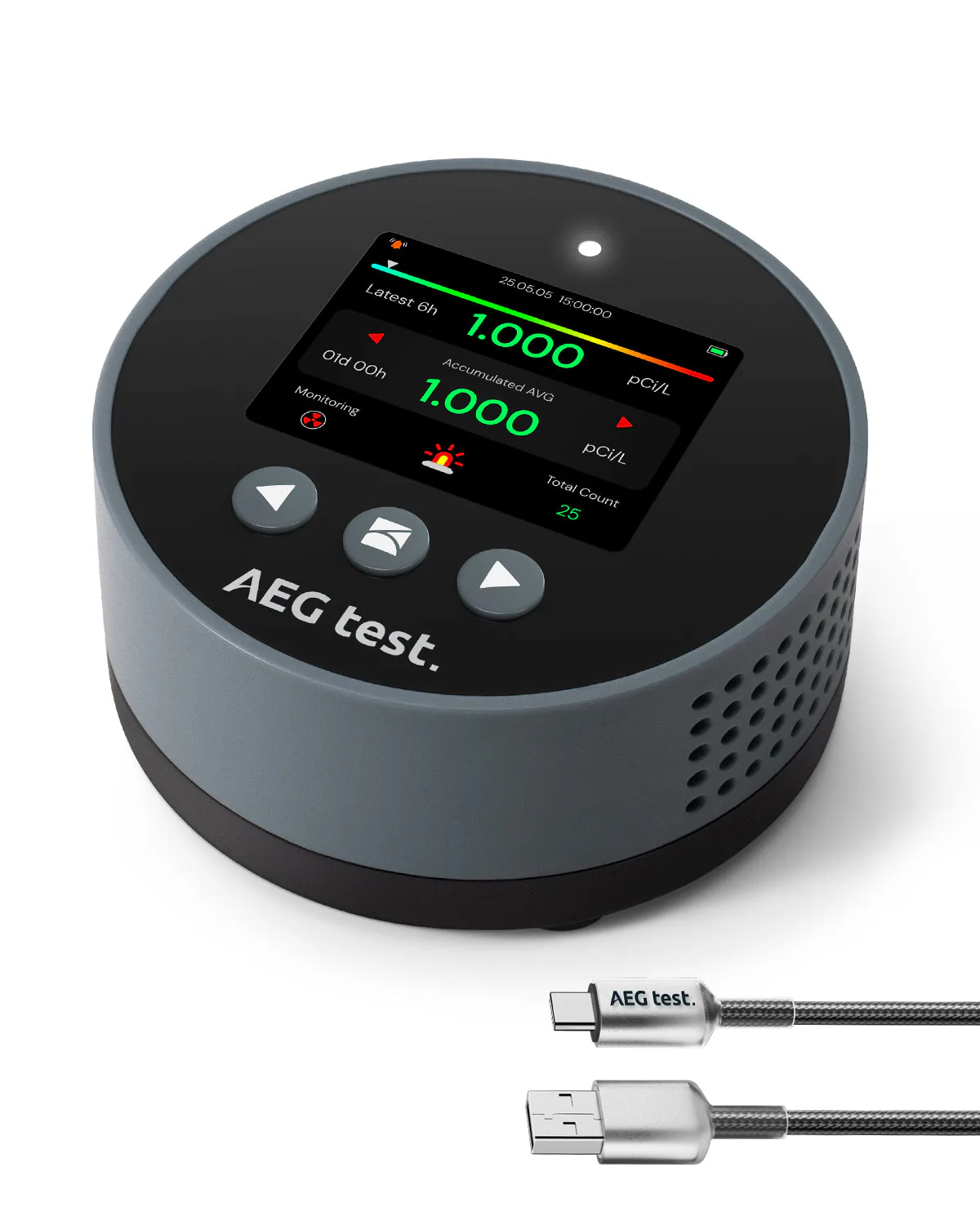
MonitorAEGTEST
Method: Semiconductor sensor
First reading: Within 6 hours
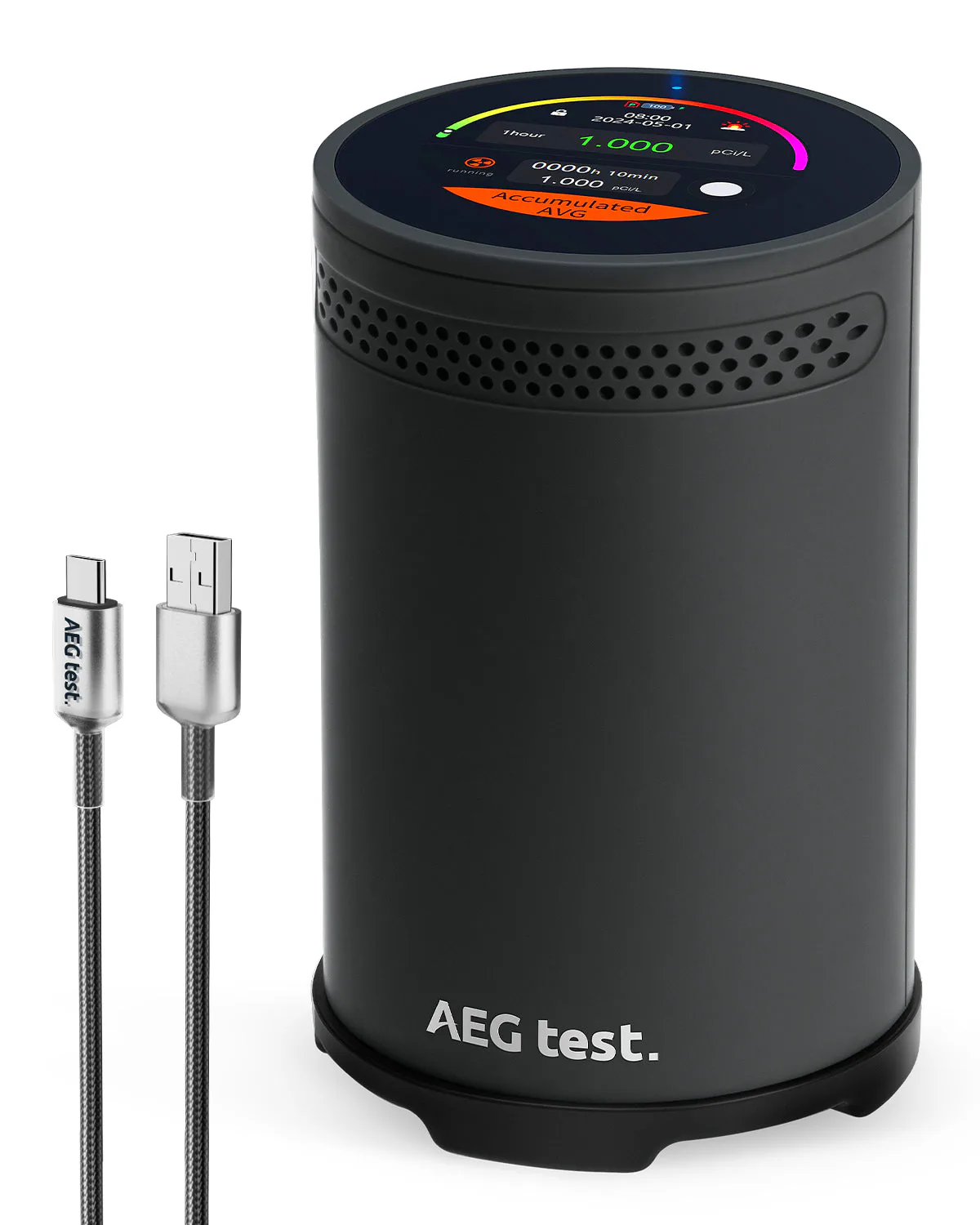
MonitorAEGTEST
First reading: Within 1 hour
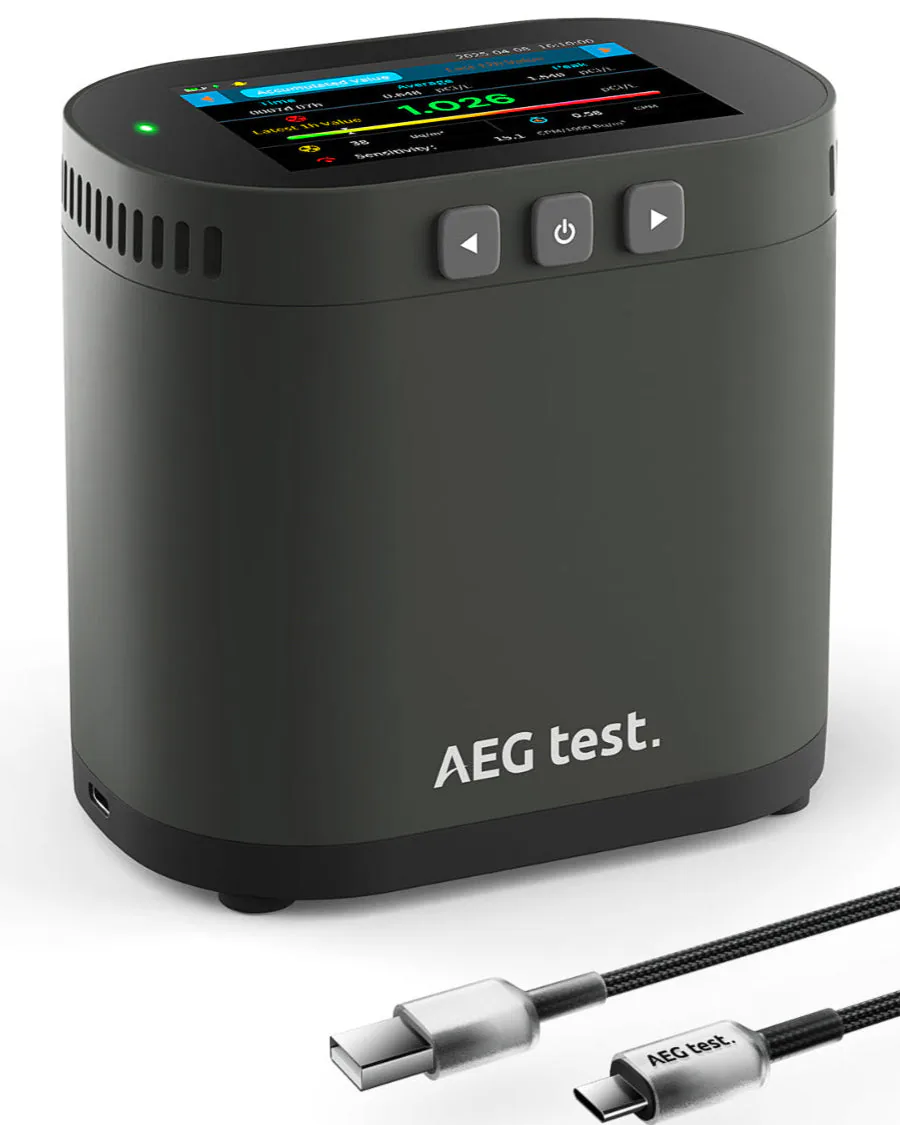
MonitorAEGTEST
Method: Ion chamber
First reading: Within 10 minutes
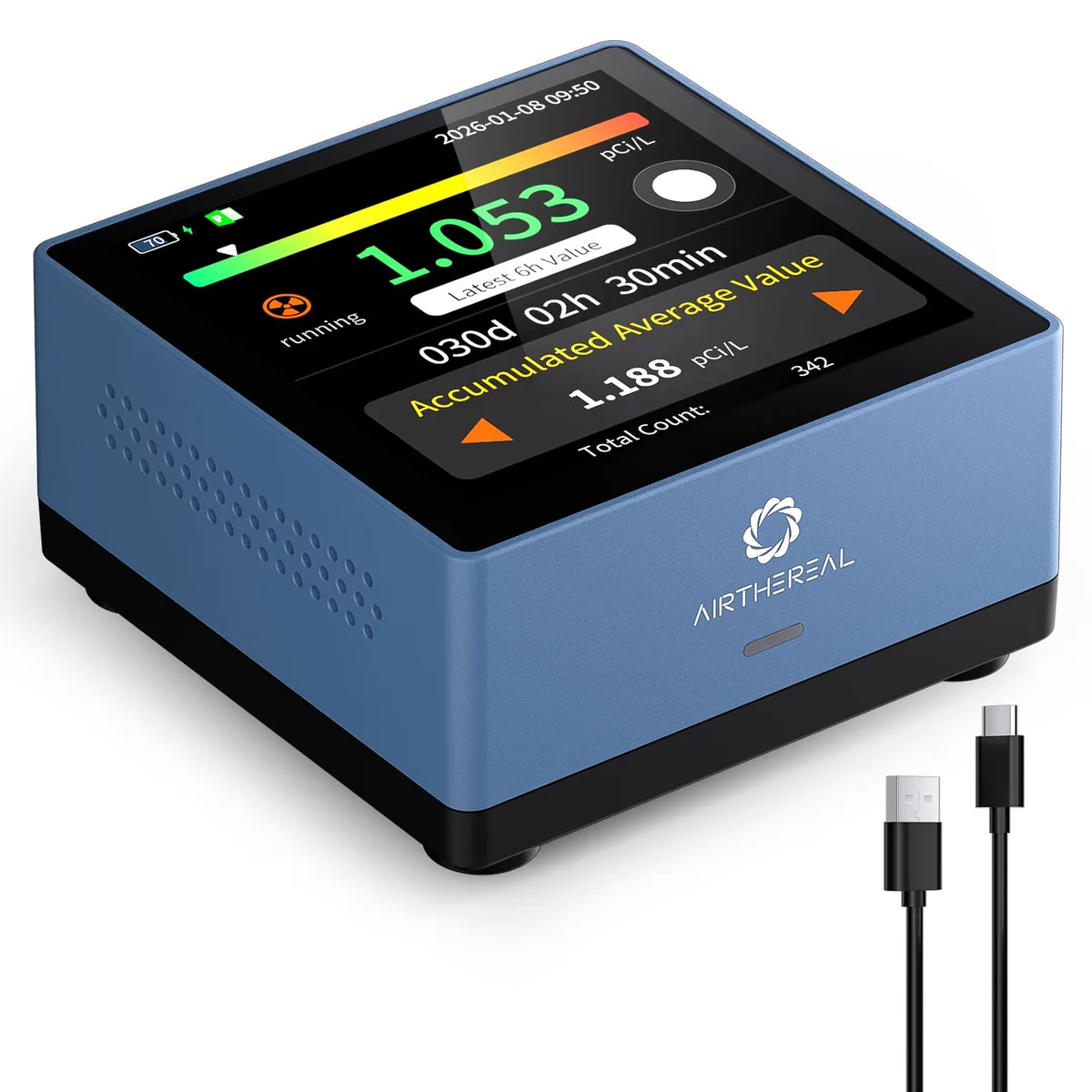
Monitor
Method: Semiconductor sensor
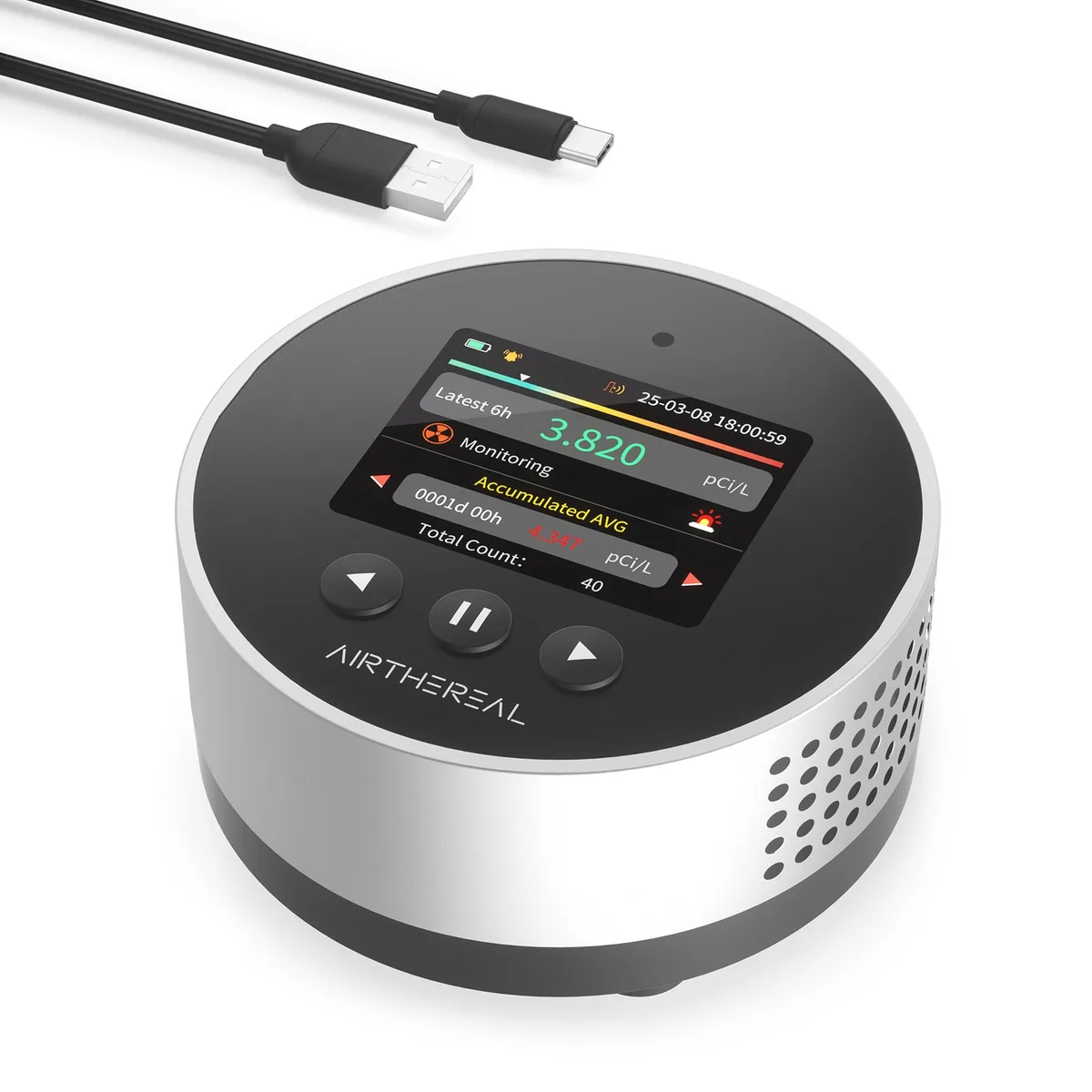
Monitor
Method: Semiconductor sensor
First reading: Within 6 hours
Monitor
Method: Alpha spectrometry
Monitor
Method: Alpha spectrometry
Monitor
Method: Alpha spectrometry
Readings: Every 60 minutes
Monitor
Method: Alpha spectrometry
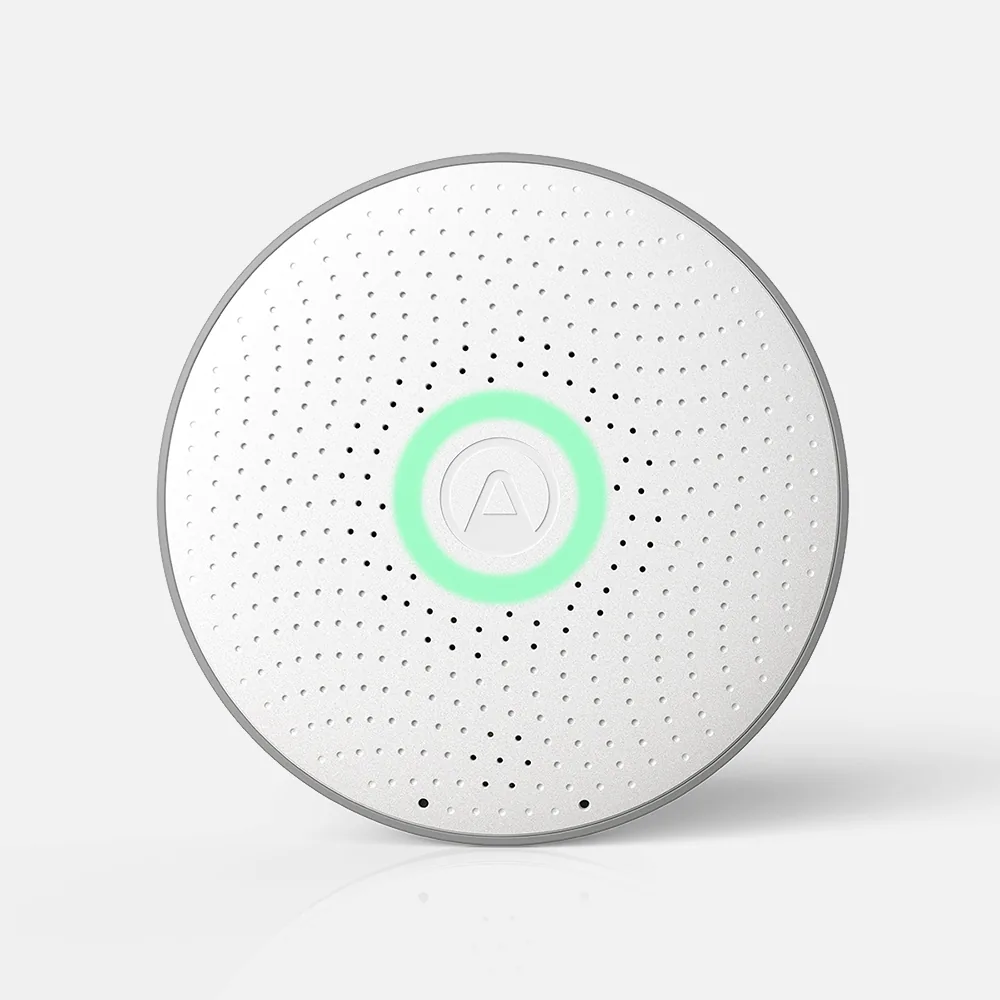
Monitor
Method: Alpha spectrometry
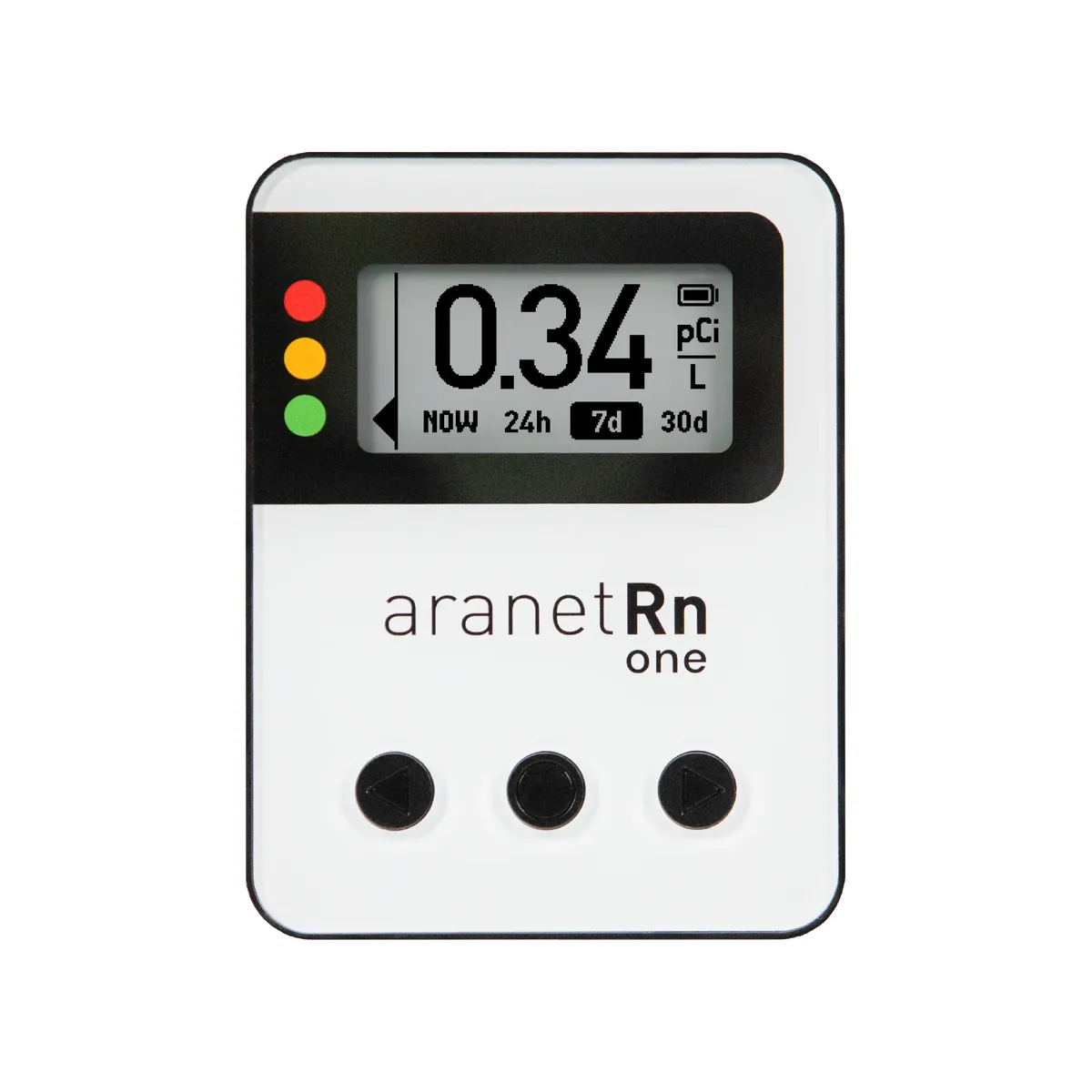
MonitorAranet
Method: Ion chamber
First reading: Within 10 minutes
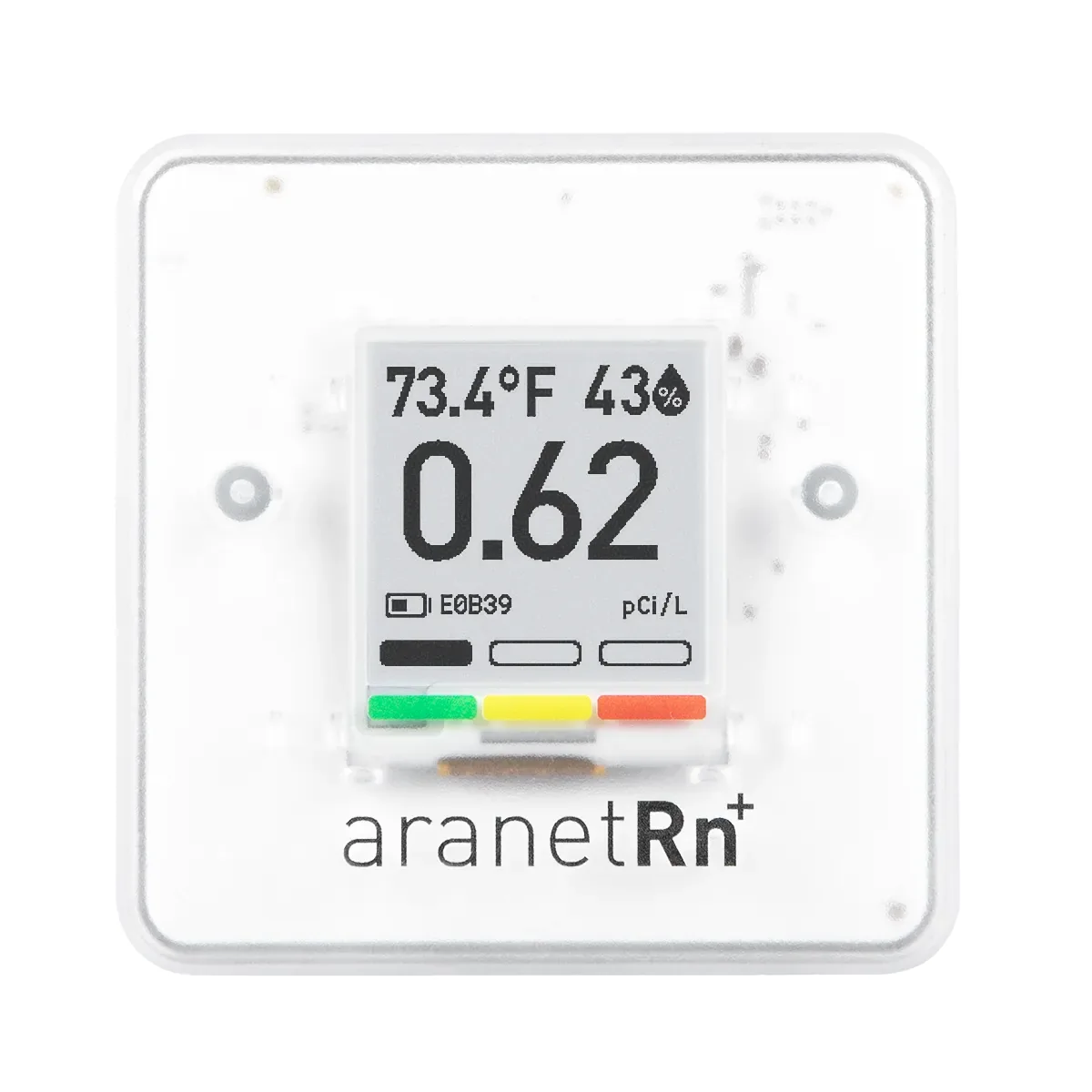
MonitorAranet
Method: Ion chamber
First reading: Within 10 minutes
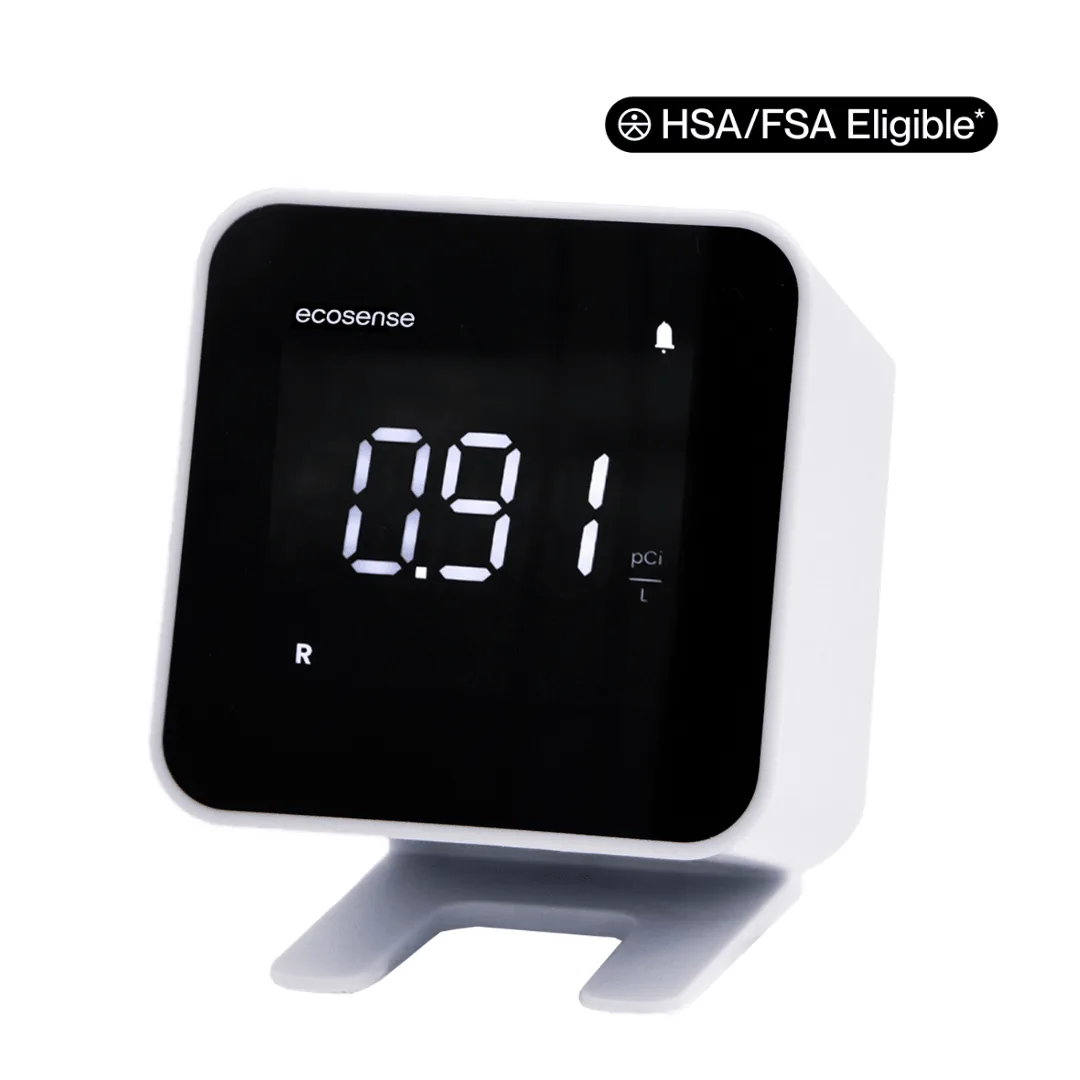
Monitor
Method: Ion chamber
First reading: Within 10 minutes
Monitor
Method: Ion chamber
First reading: Within 10 minutes
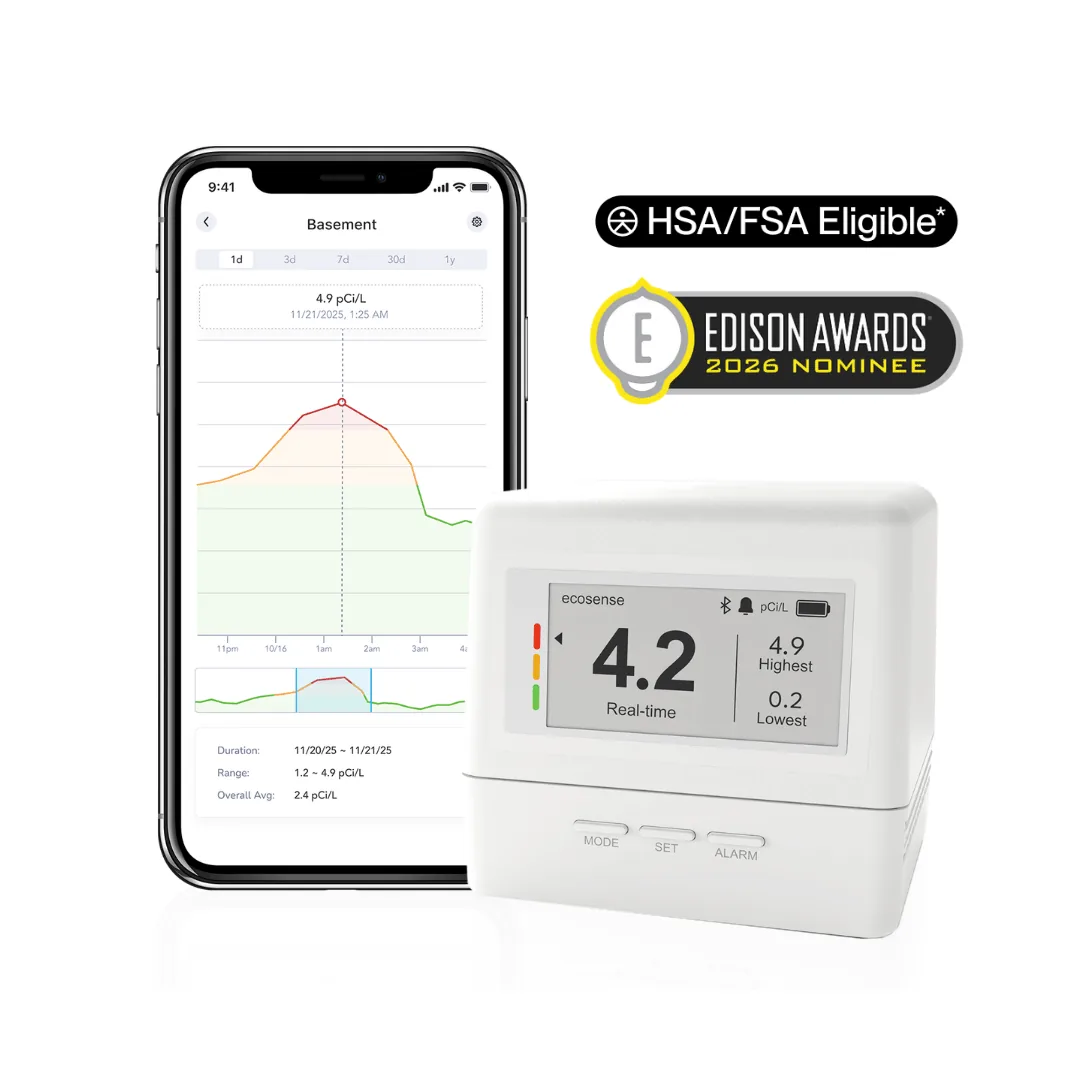
Monitor
Method: Ion chamber
First reading: Within 15 minutes
Monitor
Method: Ion chamber
First reading: Within 10 minutes
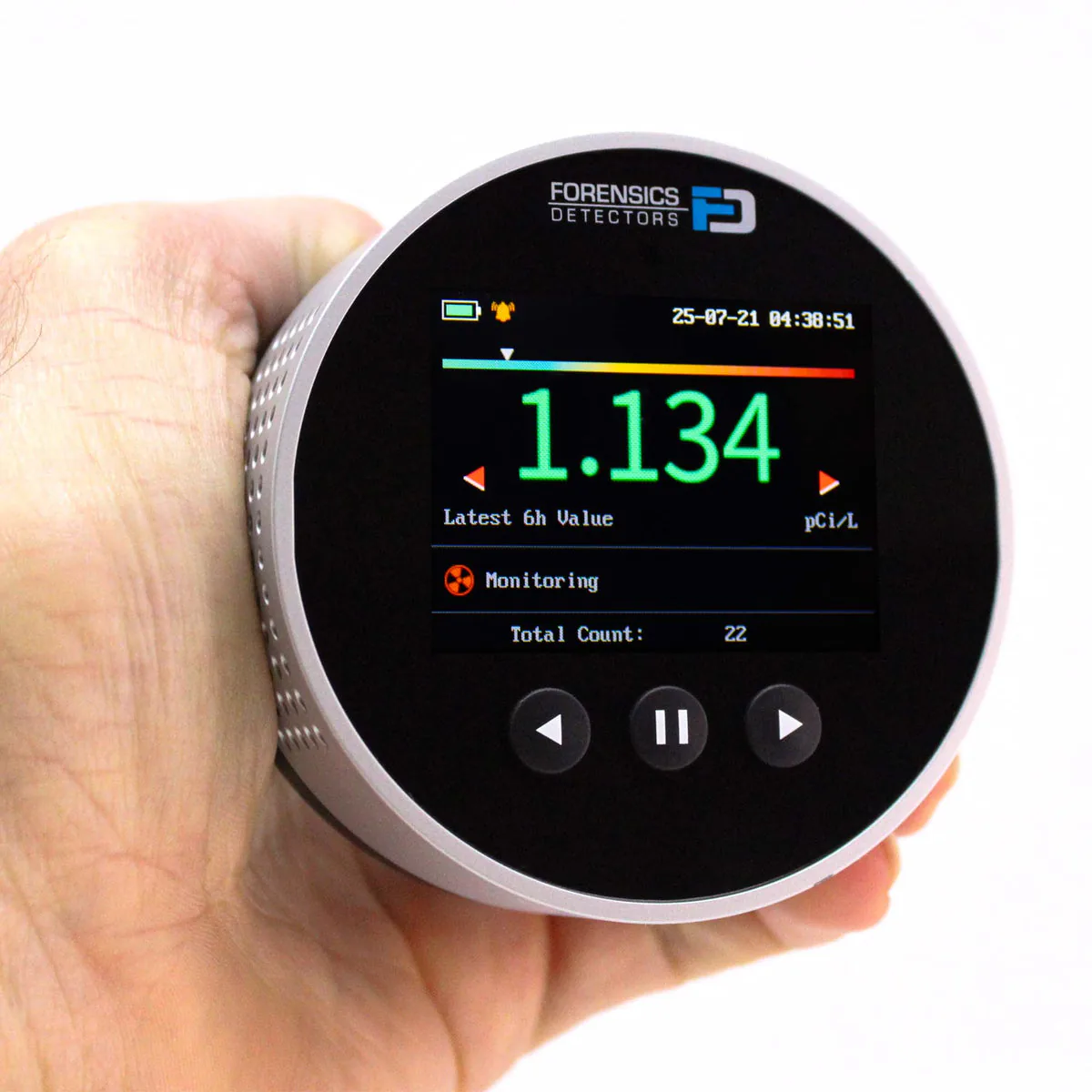
MonitorForensics Detectors
Method: Semiconductor sensor
First reading: Within 6 hours
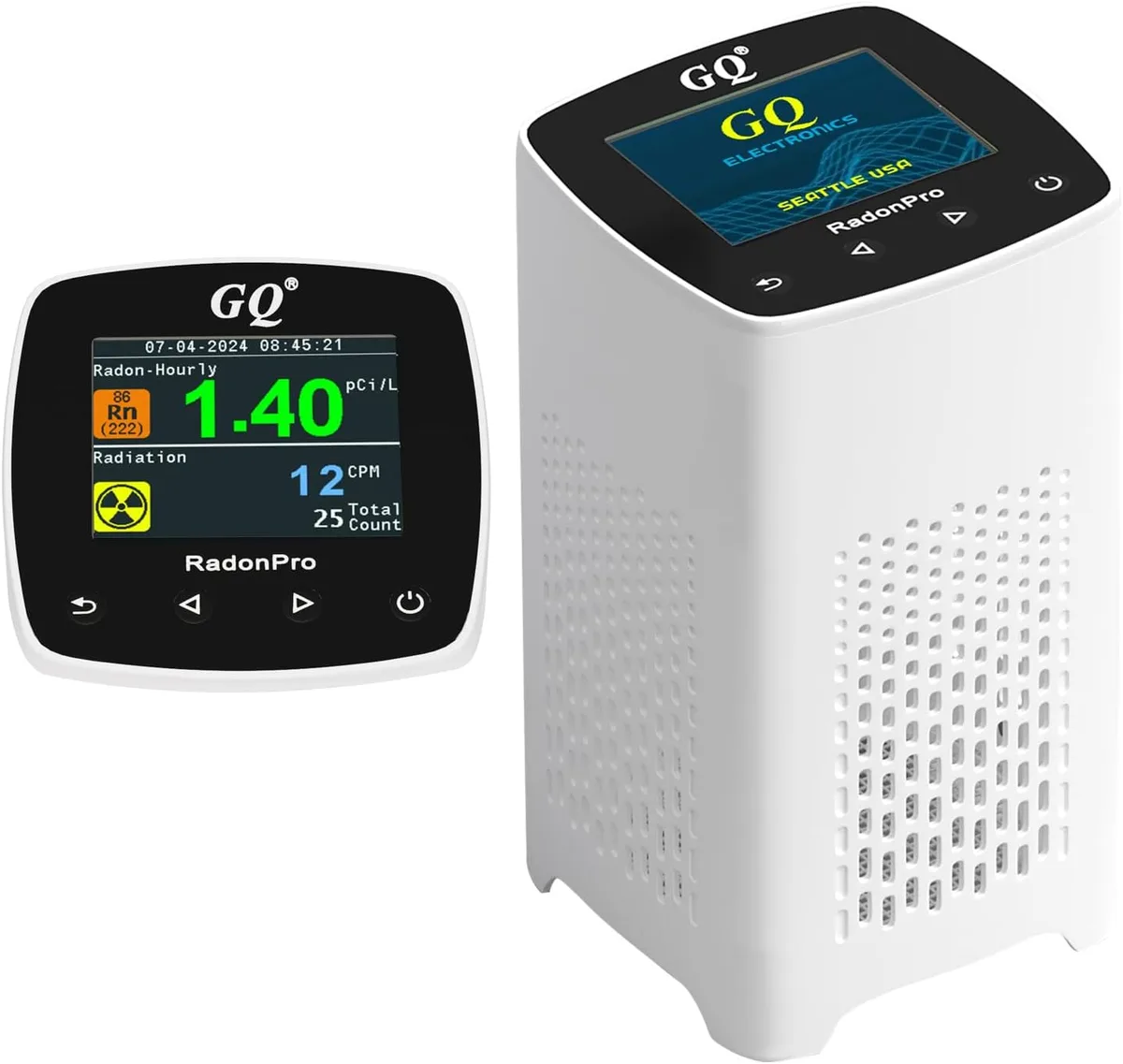
Monitor
First reading: Within 5 minutes
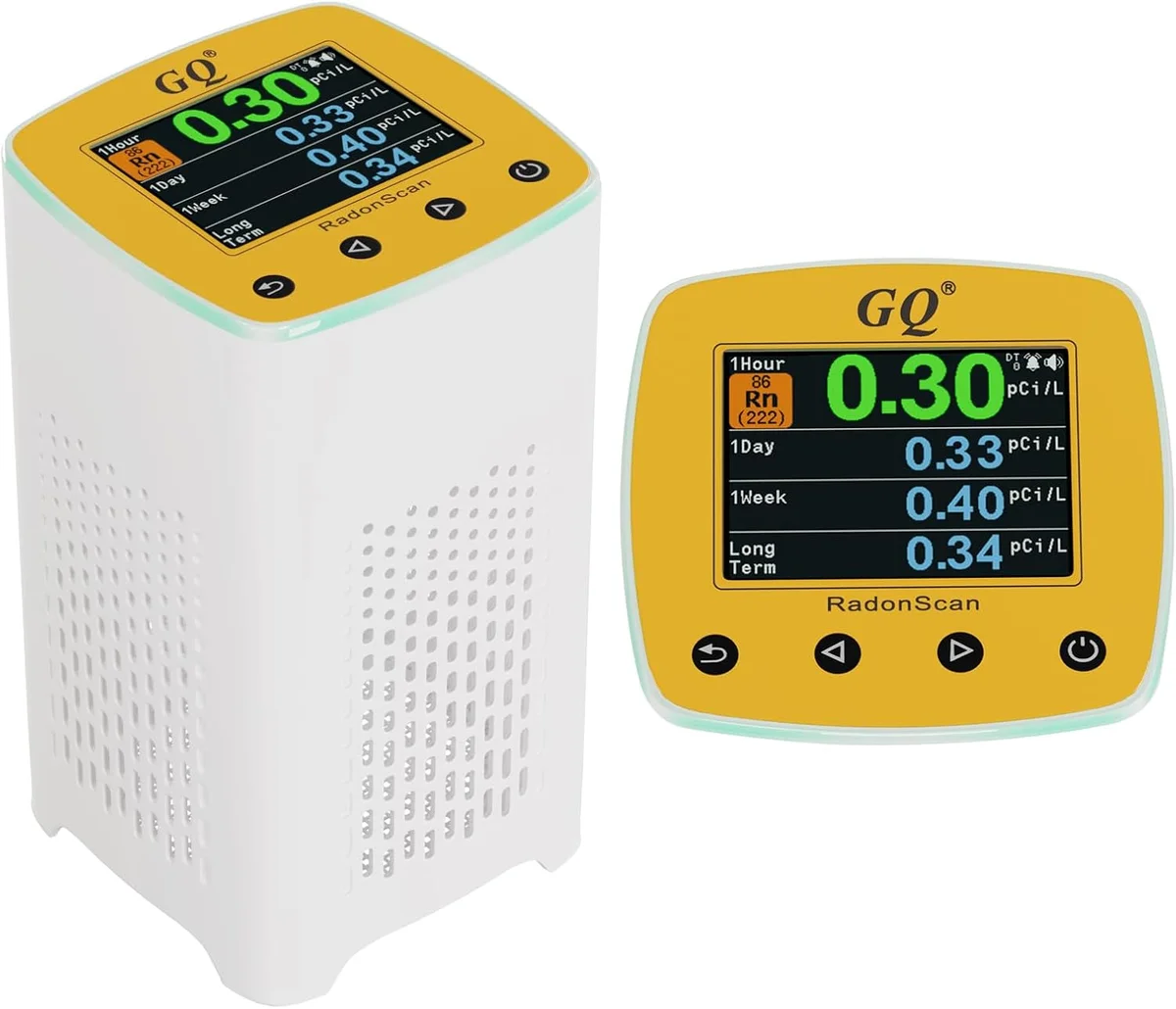
Monitor
First reading: Within 5 minutes
Monitor
First reading: Within 5 minutes
MonitorINKBIRD
First reading: Within 24 hours
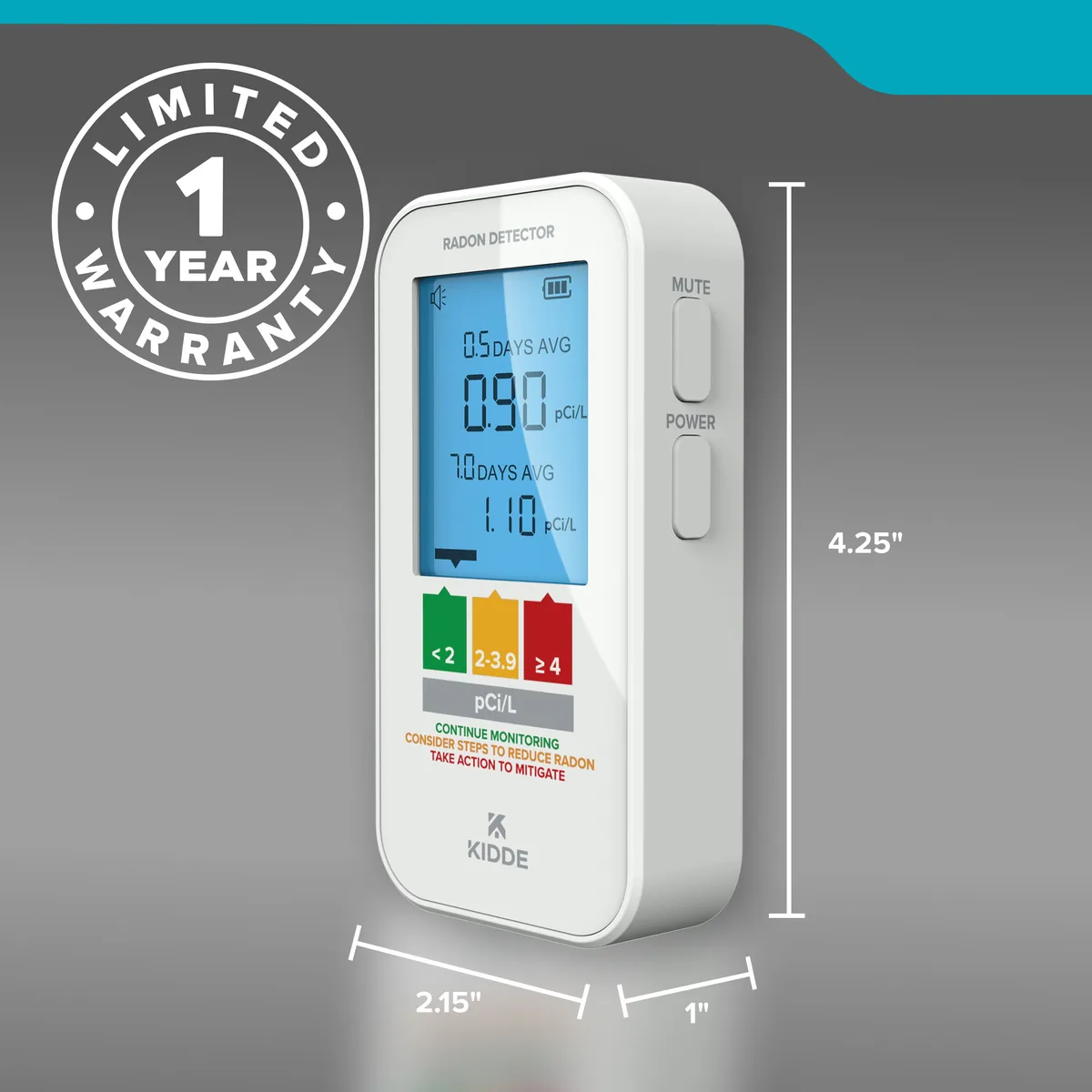
MonitorKidde
Method: Semiconductor sensor
First reading: Within 12 hours
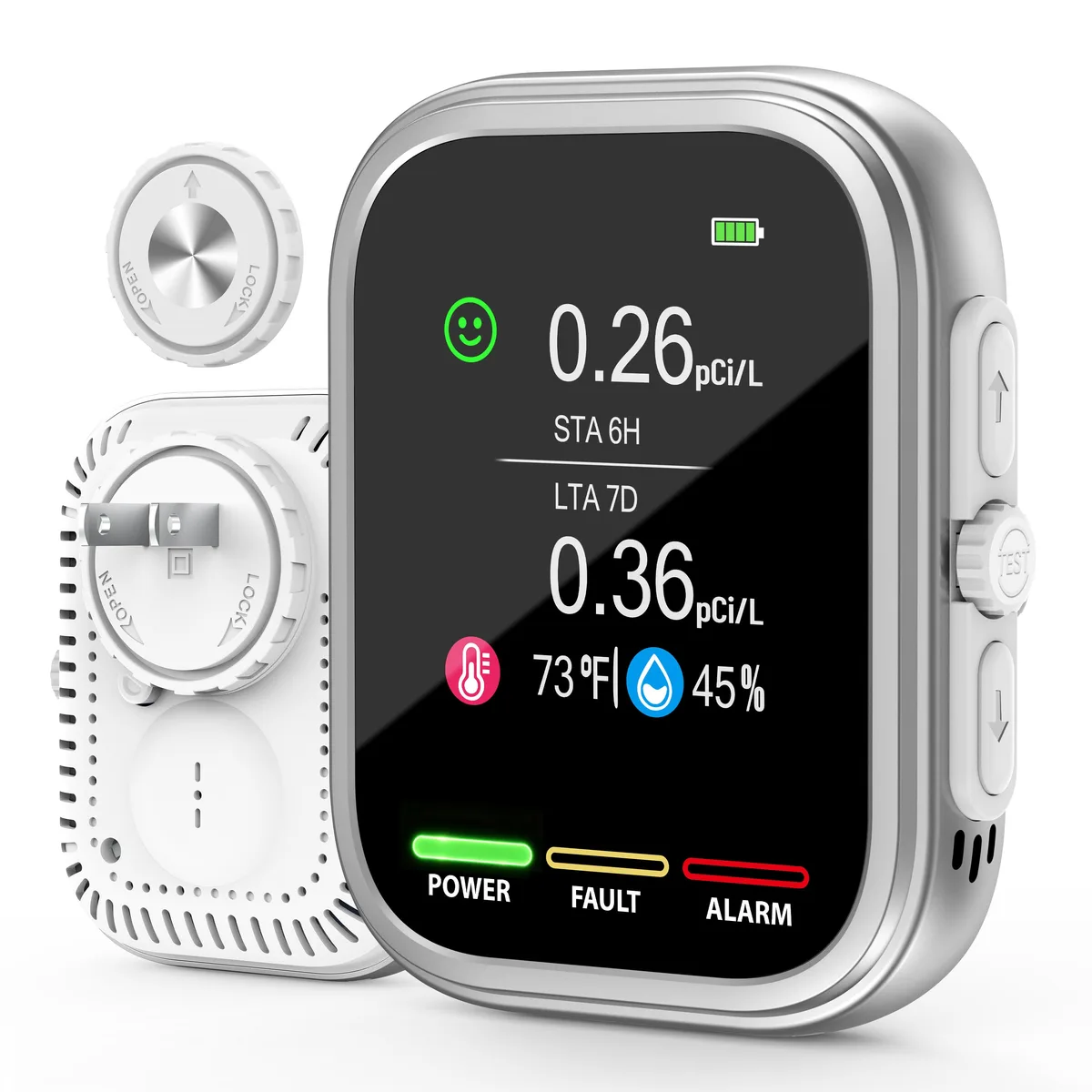
MonitorPYZYCKYH
Method: Semiconductor sensor
First reading: Within 6 hours
MonitorSafetySiren
First reading: Within 48 hours
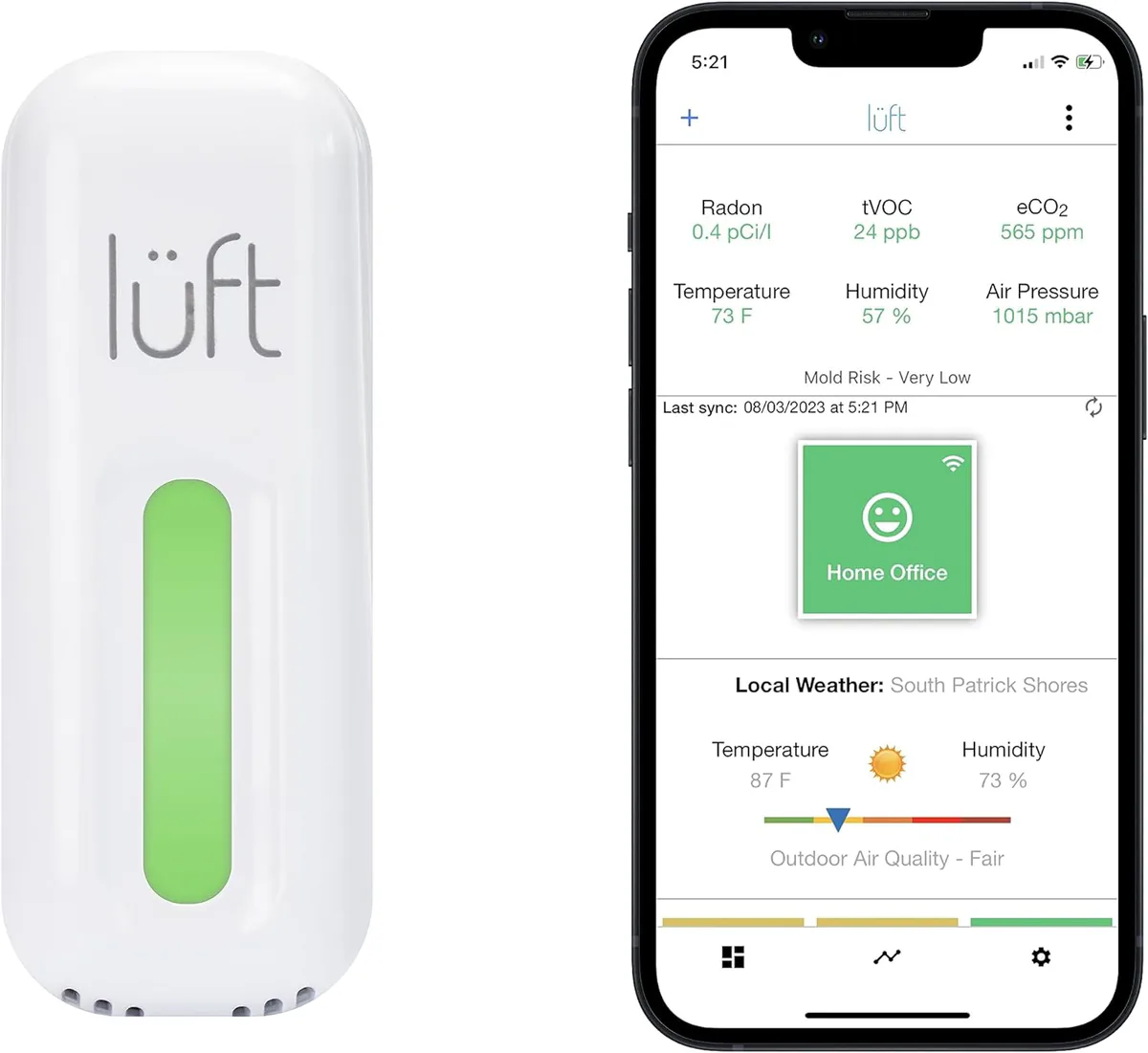
Monitor
First reading: Within 90 minutes
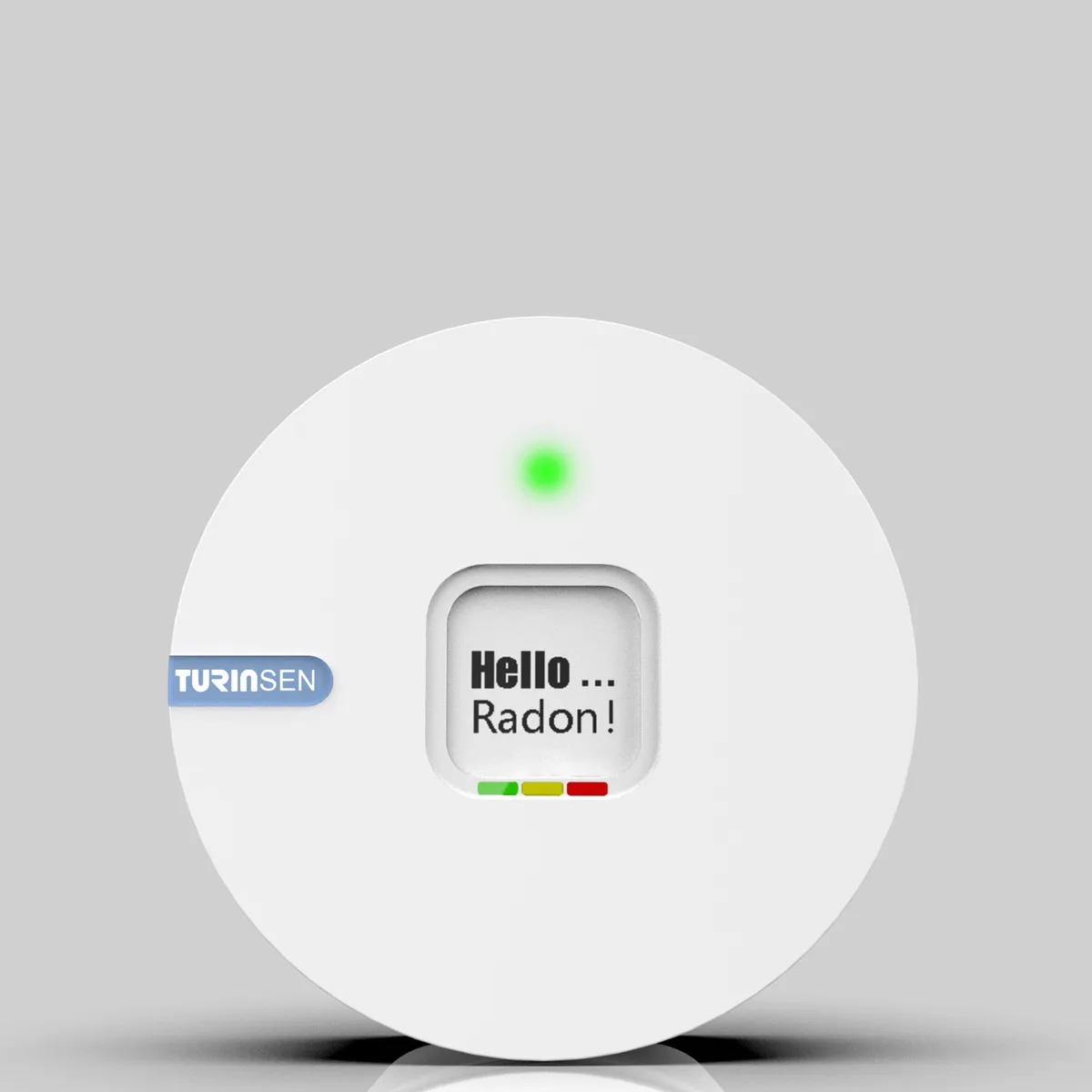
Monitor
Method: Alpha spectrometry
First reading: Within 24 hours
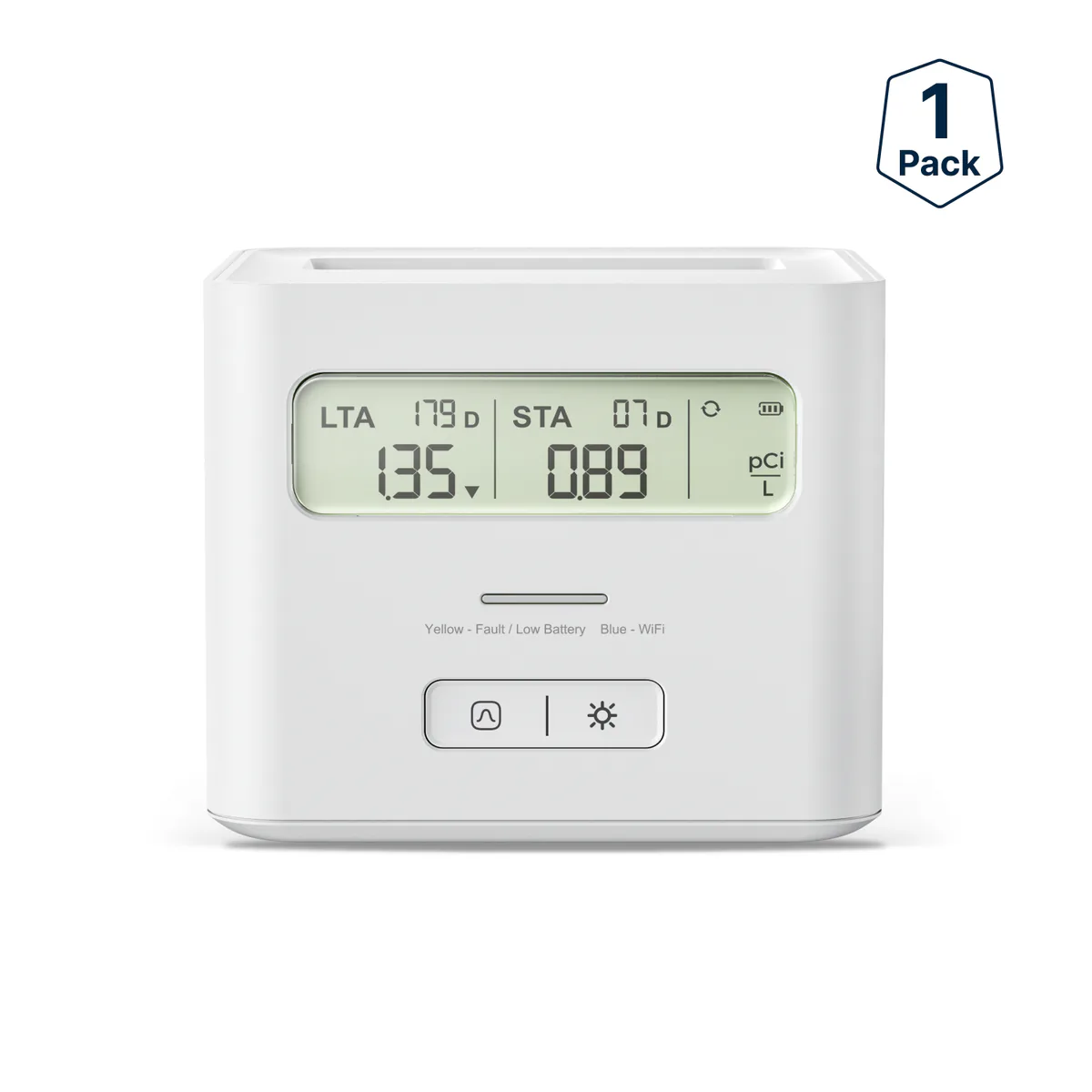
MonitorX-Sense
Method: Alpha spectrometry
First reading: Within 24 hours
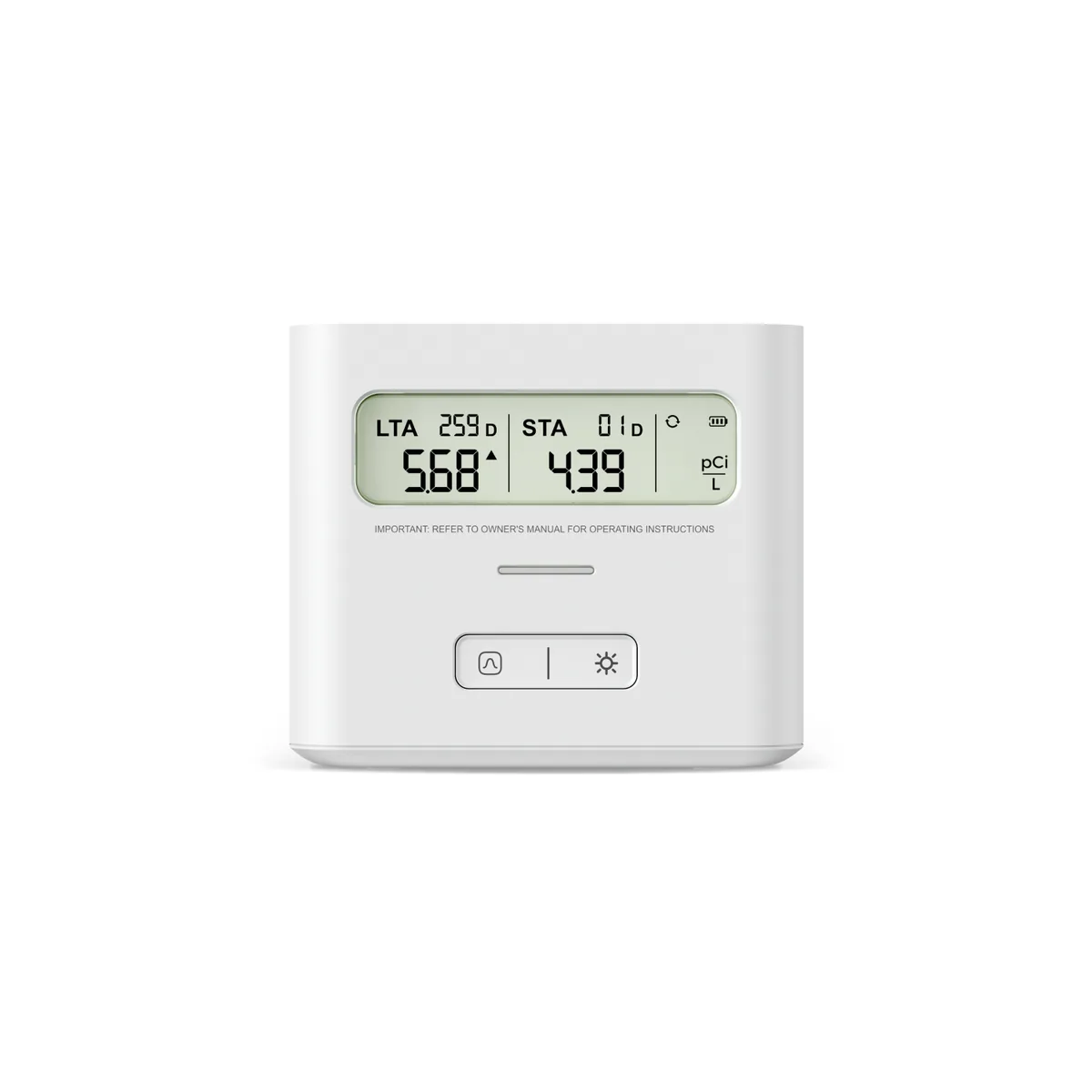
MonitorX-Sense
Method: Alpha spectrometry
First reading: Within 24 hours
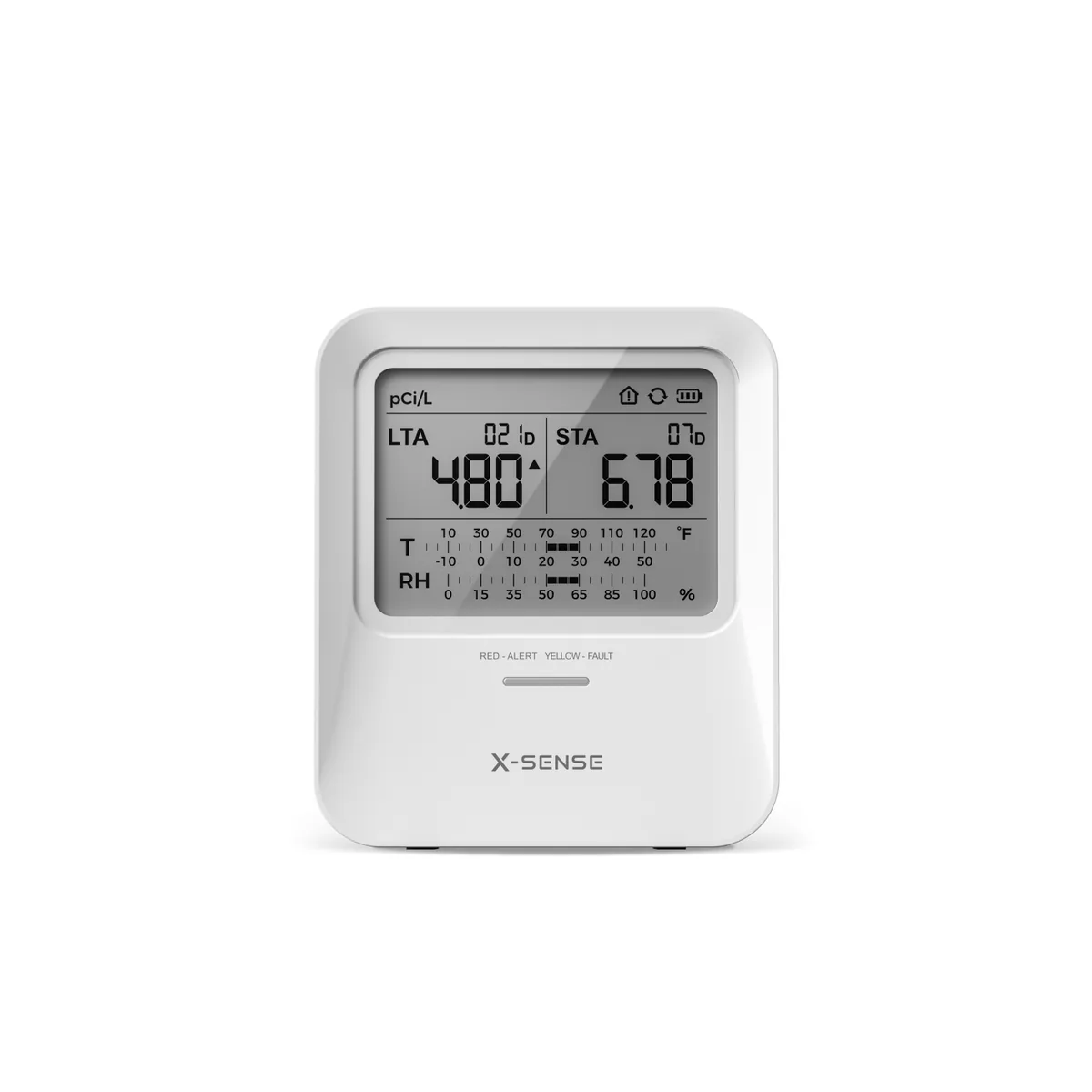
MonitorX-Sense
Method: Alpha spectrometry
First reading: Within 24 hours
More home radon monitors: 1 of 31
Questions
6 questions about the Airthings Corentium Home 2, answered
It was not included in C-NRPP's 2024/25 consumer monitor evaluation, so there is no C-NRPP result for it either way. The evaluation approved the original Airthings Corentium Home, which Airthings now calls its previous model.
Airthings lists the changes as Bluetooth connectivity and the app, temperature and humidity sensors, two AA batteries in place of three, and battery life of up to 3 years against 2 years for the previous model.
Airthings says the measurement starts when you pull the battery tab, and the sensor samples radon every 60 minutes. The full set of six screen views, including the 30-day average, is available after 30 days.
No. Airthings says it can be used as a standalone device with no wireless connection. Bluetooth connects it to the app on a phone or tablet nearby, and Wi-Fi access comes only through SmartLink to an Airthings hub device, such as a View series monitor or the Airthings Hub.
Airthings estimates up to 3 years on two AA batteries when it is not connected, up to 2 years with Bluetooth, and up to 3 years with SmartLink, and says firmware updates may slightly change those figures. The batteries come installed.
Yes. It ships set to pCi/L and °F, and the Units button inside the back cover changes radon to Bq/m³ and temperature to °C.
Updated October 1, 2026